The best tools for graphic design help creatives produce professional visuals — from logos and brand identities to social media assets, print layouts, web interfaces, and digital illustrations — with the precision, speed, and creative control their projects demand. Whether you’re a freelance designer handling branding projects end-to-end, a marketing team producing daily social content, or an agency delivering campaigns across print and digital, graphic design in 2026 is defined by AI integration, real-time collaboration, and the blurring line between professional and accessible tools. AI generates initial concepts, removes backgrounds, and suggests layouts. Browser-based platforms eliminate installation barriers. The right design stack balances creative power with workflow efficiency. We evaluated 12 platforms across creative capability, ease of use, AI features, collaboration tools, and value for different skill levels and use cases.
Quick Comparison
| Tool | Best For | Starting Price | Free Plan | Rating |
| Adobe Creative Cloud | Professional-grade design across all disciplines | $23/mo (single app) | $60/mo (all apps) | No | 9.5 |
| Figma | Collaborative UI/UX design and prototyping | Free | $15/editor/mo | Yes | 9.3 |
| Canva | Accessible design for non-designers and marketing teams | Free | $15/mo | Yes | 9.0 |
| Affinity Suite | One-time purchase professional alternative to Adobe | free. | Yes | 8.8 |
| Procreate | Digital illustration and painting on iPad | $13 (one-time) | No | 8.6 |
| CorelDRAW | Vector design for print production and signage | $37/mo or $859 one-time | 30-day trial | 8.4 |
| Sketch | macOS-native UI design for Apple ecosystem teams | $10/editor/mo | Free viewer | 8.2 |
| Adobe Express | Template-based quick design with Adobe ecosystem | Free | $10/mo | Yes | 8.0 |
| Inkscape | Free open-source vector graphics editor | Free | Yes | 7.8 |
| GIMP | Free open-source photo editing and manipulation | Free | Yes | 7.6 |
| Kittl | AI-powered branding and typography design | Free | $10/mo | Yes | 7.4 |
| Photopea | Free browser-based Photoshop alternative | Free (ads) | $5/mo | Yes | 7.2 |
Why 2026 Is Different
AI Became a Native Creative Partner
Adobe Firefly generates and edits within Photoshop and Illustrator. Canva’s Magic Studio creates designs from text prompts. Figma Make turns descriptions into working layouts. The best tools for graphic design in 2026 embed AI throughout the creative process — not as a separate feature but as an integrated capability that assists with generation, editing, resizing, and ideation directly within the design workflow.
Browser-Based Tools Reached Professional Quality
Figma proved that professional design doesn’t require desktop software. Canva expanded from templates to comprehensive design platform. Photopea runs Photoshop-level editing entirely in the browser. The best tools for graphic design in 2026 eliminate installation barriers and enable real-time collaboration by default, making design accessible from any device with an internet connection.
The Subscription Backlash Created Real Alternatives
Affinity offers a one-time purchase matching Adobe’s core capabilities. Procreate delivers premium illustration for $13 once. Inkscape and GIMP provide professional-grade tools for free. The best tools for graphic design in 2026 compete not just on features but on pricing philosophy, giving designers real choice between subscription, one-time purchase, and free open-source models.
Adobe Creative Cloud
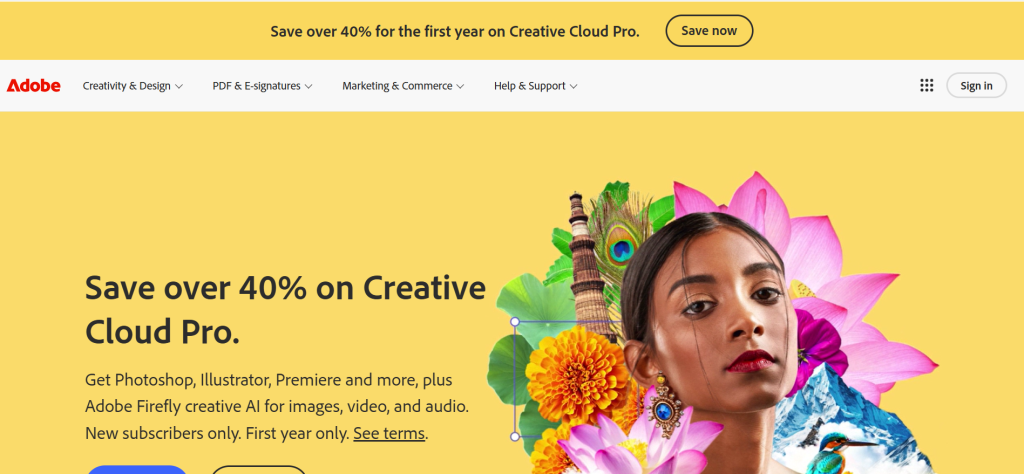
| Best For | Professional-grade design across photo editing, vector, layout, and video |
| Pricing | Single app $23/mo | Photography Plan $10/mo | All Apps $60/mo | Pro Plan $70/mo |
| Free Plan | No — 7-day trial |
| Key Strength | Industry-standard suite with deepest professional capabilities across every design discipline |
| Features | Photoshop, Illustrator, InDesign, Premiere Pro, After Effects, Firefly AI, Adobe Stock, 100GB cloud |
| Our Rating | 9.5/10 |
Adobe Creative Cloud provides the industry-standard suite among tools for graphic design with Photoshop for photo manipulation, Illustrator for vector graphics, InDesign for layout, and 20+ additional applications covering video, motion, and 3D. Firefly AI generates images, vectors, and effects directly within applications. Over 85% of professional designers use at least one Adobe product. Files in Adobe formats (.psd, .ai) are the universal exchange standard for print shops, agencies, and design teams. For professional designers who need maximum capability across multiple disciplines and compatibility with industry workflows, Adobe Creative Cloud delivers the most comprehensive tools for graphic design experience.
Falls Short: $60/month for all apps — most expensive option. 3–6 month learning curve for proficiency. Subscription-only model draws criticism. Creative Cloud bloatware and update fatigue. Verdict: Best tools for graphic design choice for professional designers needing industry-standard capabilities across all disciplines.
Figma
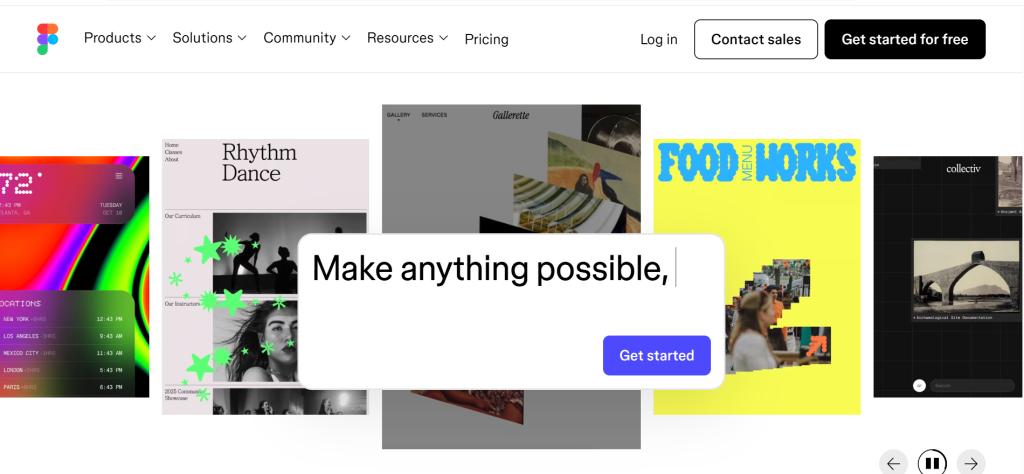
| Best For | Collaborative UI/UX design, prototyping, and design systems |
| Pricing | Free (3 files) | Professional $15/editor/mo | Organization $25/editor/mo |
| Free Plan | Yes — 3 Figma files with unlimited personal files |
| Key Strength | Best real-time collaboration for design teams with browser-based access and developer handoff |
| Features | Vector editing, prototyping, auto layout, components, design systems, plugins, Dev Mode, Figma Make AI |
| Our Rating | 9.3/10 |
Figma provides the best real-time collaboration among tools for graphic design with browser-based access enabling multiple designers to work simultaneously on the same file. Dev Mode bridges design-to-development handoff. Auto Layout creates responsive designs. Component libraries build scalable design systems. 100+ keyboard shortcuts for power users. Figma Make AI generates layouts from natural language descriptions. For UI/UX teams, product designers, and anyone prioritizing collaborative digital design with seamless developer handoff, Figma delivers the most collaborative tools for graphic design experience.
Falls Short: Less capable than Photoshop for photo editing or Illustrator for complex vector work. Subscription model for team features. Requires internet for browser version. Print design capabilities limited. Verdict: Best tools for graphic design choice for UI/UX teams and digital designers prioritizing real-time collaboration and design systems.
Canva
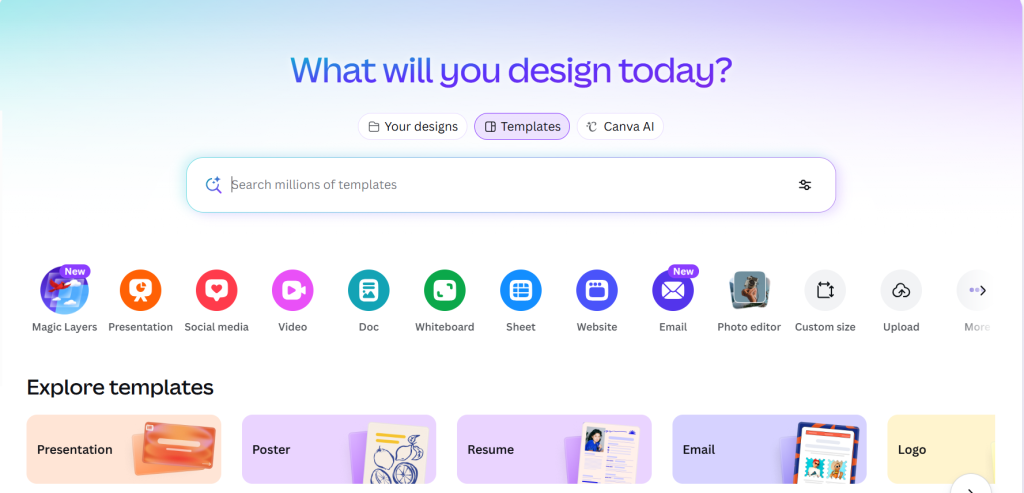
| Best For | Accessible design for non-designers, marketers, and small businesses |
| Pricing | Free (limited) | Pro $15/mo | Teams $10/user/mo |
| Free Plan | Yes — 250,000+ templates, basic features |
| Key Strength | Lowest learning curve with vast template library enabling professional results without design skills |
| Features | 250,000+ templates, Magic Studio AI, brand kits, photo/video editing, social scheduling, websites |
| Our Rating | 9.0/10 |
Canva provides the lowest learning curve among tools for graphic design with drag-and-drop editing and 250,000+ professionally designed templates for social media, presentations, print materials, and videos. Magic Studio AI generates designs from text prompts, removes backgrounds, resizes for different platforms, and suggests layouts. Brand kits enforce visual consistency. Social media scheduling publishes directly from Canva. For non-designers, marketing teams, and small businesses wanting professional visuals without learning complex software, Canva delivers the most accessible tools for graphic design experience.
Falls Short: Limited for complex vector work or professional photo manipulation. Template-based designs risk looking generic. Logos created in Canva difficult to trademark if using stock elements. No CMYK print workflow. Verdict: Best tools for graphic design choice for non-designers and marketing teams wanting professional visuals with minimal learning curve.
Affinity Suite
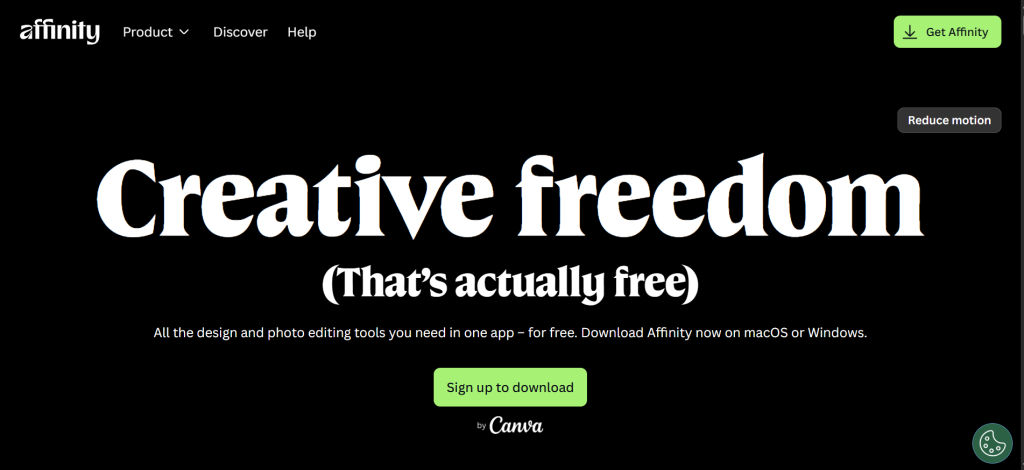
| Best For | Professional design without subscriptions — one-time purchase |
| Pricing | Free. |
| Free Plan | No — free trial available |
| Key Strength | Only professional-grade suite with one-time purchase across vector, photo, and layout applications |
| Features | Affinity Designer (vector), Affinity Photo (raster), Affinity Publisher (layout), cross-app integration |
| Our Rating | 8.8/10 |
Affinity Suite provides the only professional-grade one-time purchase alternative to Adobe among tools for graphic design with Designer for vectors, Photo for raster editing, and Publisher for page layout. The $180 universal license includes all three applications across macOS, Windows, and iPadOS. Seamless switching between applications within the same file. PSD file compatibility. No subscription fees, no mandatory renewals. Now owned by Canva but maintained as independent products focused on human-driven design. For professional designers wanting to escape subscription pricing while maintaining professional capabilities, Affinity delivers the most budget-friendly professional tools for graphic design experience.
Falls Short: Smaller plugin ecosystem than Adobe. No automatic Image Trace in Designer. Community and learning resources less extensive. Some Adobe workflow differences require adjustment. Verdict: Best tools for graphic design choice for professional designers wanting subscription-free alternatives to Adobe at a one-time cost.
Procreate
| Best For | Digital illustration, painting, and hand-lettering on iPad |
| Pricing | $13 (one-time iPad purchase) |
| Free Plan | No |
| Key Strength | Best digital illustration experience on iPad with natural brush feel and GPU-optimized performance |
| Features | 400+ brushes, layers, animation, 3D painting, Valkyrie engine, color management, timelapse recording |
| Our Rating | 8.6/10 |
Procreate provides the best digital illustration experience among tools for graphic design on iPad with natural-feeling brushes, GPU-optimized performance on latest iPad chips, and an interface designed for touch and Apple Pencil. 400+ customizable brushes. Animation assists for frame-by-frame work. 3D painting tools. Valkyrie graphics engine handles large, high-resolution canvases smoothly. All for a one-time $13 purchase — extraordinary value. For digital illustrators, concept artists, and hand-letterers working on iPad, Procreate delivers the most natural tools for graphic design illustration experience.
Falls Short: iPad only — no desktop version. No vector capabilities. No collaborative features. Not suitable for layout, UI design, or print production. Verdict: Best tools for graphic design choice for iPad illustrators wanting the most natural digital painting and drawing experience.
CorelDRAW
| Best For | Vector design for print production, signage, and manufacturing |
| Pricing | $37/mo subscription or $859 one-time purchase |
| Free Plan | 30-day trial |
| Key Strength | Best precision tools for large-format printing, signage, apparel, and manufacturing workflows |
| Features | Vector illustration, page layout, photo editing, typography, print prepress, collaboration tools |
| Our Rating | 8.4/10 |
CorelDRAW provides the best precision tools for print production among tools for graphic design with specialized capabilities for large-format printing, sign making, apparel design, engraving, and manufacturing. Advanced typography controls. Strong file compatibility with industry print formats. Choose between subscription or one-time license. Improved collaboration features for client feedback. For designers in print, signage, and manufacturing industries where precision output and specialized print workflows matter, CorelDRAW delivers the most production-focused tools for graphic design experience.
Falls Short: Less common in digital design and web workflows. Smaller community than Adobe or Figma. Interface less modern. Learning curve for users coming from other tools. Verdict: Best tools for graphic design choice for print professionals and signage designers needing specialized production tools.
Sketch
| Best For | macOS-native UI design for Apple ecosystem design teams |
| Pricing | $10/editor/mo | Free viewer access |
| Free Plan | Free viewer — editor requires subscription |
| Key Strength | Most polished macOS-native design experience with extensive plugin ecosystem |
| Features | Vector editing, symbols, prototyping, developer handoff, plugins, real-time collaboration, web app |
| Our Rating | 8.2/10 |
Sketch provides the most polished macOS-native design experience among tools for graphic design with a streamlined interface purpose-built for interface design. Symbols create reusable components. Extensive plugin ecosystem adds functionality. Real-time collaboration and web app access added for cross-platform viewing. For design teams committed to the Apple ecosystem who prefer a native macOS experience over browser-based tools, Sketch delivers the most refined tools for graphic design UI experience.
Falls Short: macOS only for editing. Market share declining as Figma gained dominance. Smaller team collaboration features. Plugin dependency for advanced functionality. Verdict: Best tools for graphic design choice for macOS-based design teams preferring native application performance.
Adobe Express
| Best For | Quick template-based design with Adobe ecosystem integration |
| Pricing | Free (limited) | Premium $10/mo |
| Free Plan | Yes — templates, basic AI, limited assets |
| Key Strength | Best bridge between Canva-style templates and Adobe’s professional ecosystem |
| Features | Templates, AI generation, brand kits, video editing, animation, social scheduling, Adobe Stock access |
| Our Rating | 8.0/10 |
Adobe Express provides the best bridge between template-based and professional design among tools for graphic design by combining Canva-like simplicity with Adobe’s creative ecosystem. Firefly AI generates images within Express. Templates for social media, flyers, and presentations, along with AI tools like an AI logo generator. Brand kits maintain visual consistency. Direct connection to Adobe Stock, Fonts, and Creative Cloud libraries. For teams already using Adobe products who want quick asset creation without opening Photoshop, Adobe Express delivers the most ecosystem-connected tools for graphic design quick-creation experience.
Falls Short: Less template variety than Canva. AI generation credits limited. Professional features still require Creative Cloud. Less intuitive than Canva for true beginners. Verdict: Best tools for graphic design choice for Adobe ecosystem users wanting quick template-based design creation.
Inkscape
| Best For | Free open-source vector graphics editing |
| Pricing | Free |
| Free Plan | Yes — fully featured |
| Key Strength | Most capable free vector editor with professional-grade features and no cost |
| Features | SVG editing, path operations, text tools, filters, extensions, cross-platform, open source |
| Our Rating | 7.8/10 |
Inkscape provides the most capable free vector editing among tools for graphic design with professional-grade path operations, text tools, filters, and SVG export that rival paid alternatives. Cross-platform availability on Windows, macOS, and Linux. Active open-source community. Extension ecosystem adds functionality. No watermarks, no usage limits, no cost. For designers, students, and organizations wanting professional vector capabilities without any financial commitment, Inkscape delivers the most economical tools for graphic design vector experience.
Falls Short: Interface dated and less intuitive than commercial tools. No real-time collaboration. Performance slower than Illustrator on complex files. Steeper learning curve. Verdict: Best tools for graphic design choice for budget-conscious designers wanting free professional vector editing.
GIMP
| Best For | Free open-source photo editing and image manipulation |
| Pricing | Free |
| Free Plan | Yes — fully featured |
| Key Strength | Most powerful free photo editor with professional capabilities and zero cost |
| Features | Photo retouching, layer management, filters, scripting, plugin support, file format support |
| Our Rating | 7.6/10 |
GIMP provides the most powerful free photo editing among tools for graphic design with layer management, advanced selections, retouching tools, and plugin extensibility that handle professional editing tasks. RAW file support. Scriptable automation. No watermarks or commercial use restrictions. For designers and photographers needing professional photo editing capabilities on a zero budget, GIMP delivers the most capable free tools for graphic design raster editing experience.
Falls Short: Notoriously unintuitive interface. Steep learning curve. Non-destructive editing limited compared to Photoshop. CMYK support requires plugins. Performance on large files. Verdict: Best tools for graphic design choice for technically inclined users wanting free professional photo editing.
Kittl
| Best For | AI-powered branding, typography, and print-on-demand design |
| Pricing | Free (limited) | Pro $10/mo | Expert $24/mo | Business $48/mo |
| Free Plan | Yes — limited exports |
| Key Strength | Best AI-powered typography and branding design with vintage and decorative style specialization |
| Features | AI image generation, typography tools, logo design, templates, mockups, vector editing, SVG export |
| Our Rating | 7.4/10 |
Kittl provides the best AI-powered typography and branding design among tools for graphic design with specialized tools for logo creation, vintage-style graphics, and decorative text layouts. AI generates images and suggests design compositions. Clean vector output for logos and branding assets. Mockup integration for print-on-demand products. For designers and entrepreneurs focused on branding, merchandise design, and typography-heavy projects, Kittl delivers the most brand-focused tools for graphic design creation experience.
Falls Short: Narrower scope than full design suites. Less suitable for photo editing or UI design. Smaller template library than Canva. Community still growing. Verdict: Best tools for graphic design choice for branding designers and print-on-demand creators wanting AI-powered typography tools.
Photopea
| Best For | Free browser-based Photoshop alternative |
| Pricing | Free (with ads) | Premium $5/mo (no ads) |
| Free Plan | Yes — full features with ads |
| Key Strength | Most capable browser-based photo editor supporting PSD, XCF, and RAW files without installation |
| Features | Layer editing, filters, masking, PSD support, RAW editing, vector tools, browser-based |
| Our Rating | 7.2/10 |
Photopea provides the most capable browser-based photo editing among tools for graphic design by running entirely in the browser with PSD file support, advanced layer editing, and tools that closely mirror Photoshop’s interface. No download required. Supports PSD, XCF, Sketch, and RAW formats. Free with ads. For designers who need quick photo editing from any computer without installing software, or students who can’t afford Photoshop, Photopea delivers the most accessible tools for graphic design browser-based editing experience.
Falls Short: Ads in free version. Performance limited by browser capabilities. Not as powerful as native Photoshop for complex compositing. No offline access. Verdict: Best tools for graphic design choice for users wanting free, browser-based Photoshop-level editing without installation.
Frequently Asked Questions
What are the best tools for graphic design?
Adobe Creative Cloud is best for professional designers needing industry-standard capabilities. Figma is best for collaborative UI/UX design. Canva is best for non-designers wanting quick professional visuals. Affinity Suite is best for professionals wanting one-time purchase pricing. The right choice depends on your design discipline, skill level, collaboration needs, and budget.
What is the best free graphic design tool?
Canva’s free plan offers 250,000+ templates for quick design. Figma’s free plan provides 3 professional design files. Inkscape delivers full vector editing capabilities. GIMP provides professional photo editing. Photopea runs Photoshop-level editing in the browser. Together these free tools cover every major design discipline.
Is Adobe Creative Cloud worth the cost?
For professional designers working across disciplines or collaborating with agencies and print shops, Adobe’s industry-standard file formats and comprehensive toolset justify the cost. For casual designers, social media creators, or teams with simpler needs, Canva or Affinity provide professional results at a fraction of the price. Consider your workflow requirements and whether Adobe format compatibility matters for your projects.


![Marketing Automation Case Study: 12 Real Examples, Strategy & ROI Results [2026]](https://marketingcasestudy.io/wp-content/uploads/2026/05/marketing-automation-case-study-featured-300x158.png)
