Marketing automation has moved far beyond scheduled email campaigns. In 2026, businesses face a critical decision: invest in a platform that can orchestrate multi-channel customer journeys, or risk falling behind competitors who are already leveraging AI-powered workflows to scale personalization. The right tool doesn’t just save time—it transforms how you nurture leads, recover lost revenue, and prove marketing ROI to stakeholders.
But here’s the challenge most buyers face: every platform claims to be “all-in-one,” yet the actual capabilities, pricing structures, and integration ecosystems vary wildly. A tool perfect for a B2B SaaS company running account-based marketing might completely overwhelm a small eCommerce brand that simply needs cart abandonment flows. This guide cuts through the noise with realistic pricing, specific use cases, and the nuanced differences that actually matter when building your shortlist.
Whether you’re a startup evaluating your first automation platform, an agency managing multiple client accounts, or an enterprise team considering a migration from legacy systems, you’ll find detailed breakdowns of the 15 platforms that genuinely lead their respective categories in 2026.
The State of Marketing Automation in 2026
The marketing automation landscape has matured significantly, with vendors consolidating features that once required three or four separate tools. Yet paradoxically, we’re also seeing increased specialization—platforms built specifically for eCommerce brands, agencies, or B2B teams with complex account structures.
From Simple Autoresponders to AI-Driven Workflows
Remember when marketing automation meant setting up a welcome email series? Those days are long gone. Modern platforms now utilize machine learning to predict optimal send times, automatically segment audiences based on behavioral patterns, and even generate subject line variations for A/B testing.
The 2026 standard includes predictive lead scoring that adapts in real-time, dynamic content blocks that change based on CRM data, and cross-channel orchestration that knows whether to reach someone via email, SMS, or retargeting ads. What changed isn’t just the technology—it’s the expectation that automation should feel invisible to the end user while delivering measurable lift in conversion rates.
The practical impact? A well-implemented automation platform now typically handles 60-70% of routine marketing tasks that previously required manual intervention, freeing teams to focus on strategy and creative development.
The Shift Toward Consolidated Tech Stacks vs. Best-of-Breed Approaches
One of the most significant strategic debates in 2026 revolves around platform consolidation. Enterprise teams are increasingly asking whether they should commit to an all-in-one ecosystem like HubSpot or Salesforce, or maintain a best-of-breed approach connecting specialized tools through integration platforms like Zapier.
The consolidated approach offers cleaner data, unified reporting, and lower training overhead. You’re working within a single interface, and customer data doesn’t fragment across systems. However, you’re also locked into one vendor’s roadmap and pricing model, which can become restrictive as your needs evolve.
Best-of-breed strategies provide flexibility and often superior functionality in specific areas—Klaviyo’s eCommerce features outshine generic automation platforms, for instance. But they require more technical resources to maintain integrations, and data synchronization issues become a real operational burden.
Most mid-market companies are landing somewhere in the middle: choosing a strong core platform for primary workflows, then connecting two or three specialized tools where the capability gap justifies the complexity.
Enterprise-Grade All-in-One Platforms
These platforms are designed for companies with complex organizational structures, multiple product lines, and sophisticated attribution requirements. They offer the deepest feature sets but require significant implementation investment and ongoing management.
1. HubSpot Marketing Hub
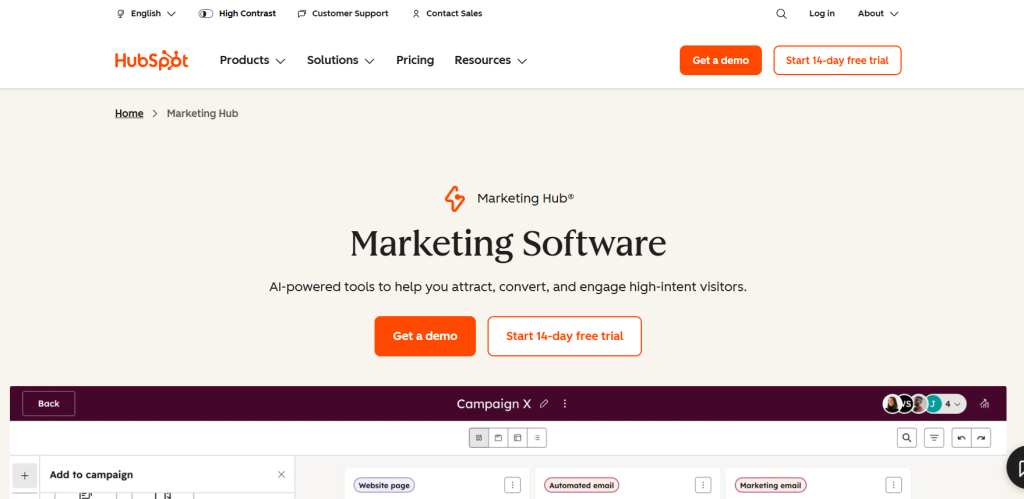
HubSpot remains the gold standard for companies prioritizing ease of use without sacrificing power. The 2026 version has significantly improved its account-based marketing capabilities, adding intent data integration and multi-touch attribution modeling that finally rivals standalone solutions.
What sets HubSpot apart is the coherence of its ecosystem. The marketing hub seamlessly shares data with Sales Hub and Service Hub, creating a genuine single customer view. When a lead downloads a whitepaper, that activity appears in the sales rep’s contact timeline within seconds, not after a nightly sync job.
Best for: Mid-market B2B companies with 50-500 employees who want a platform that sales and marketing teams will actually adopt without extensive training.
HubSpot Marketing Hub Pricing
| Plan | Starting Price | Main Features |
|---|---|---|
| Free | $0/month | Email marketing, Lead forms, Live chat |
| Starter | $15/month per seat | CTAs, Multiple currencies, Remove branding |
| Professional | $890/month (3 seats included) | Personalization, SEO tools, AI customer agent |
| Enterprise | $3,600/month (5 seats included) | Revenue tracking, A/B testing, Customer journey mapping |
Integration strength: Over 1,400 native integrations, plus a robust API. Connects particularly well with Salesforce, though it obviously prefers you use HubSpot CRM.
Realistic limitation: Enterprise-level companies with highly complex data models sometimes hit walls with HubSpot’s object structure. You can’t customize as deeply as Marketo or Eloqua, which matters when you’re tracking intricate account hierarchies or product usage data from multiple systems.
2. Salesforce Marketing Cloud Account Engagement
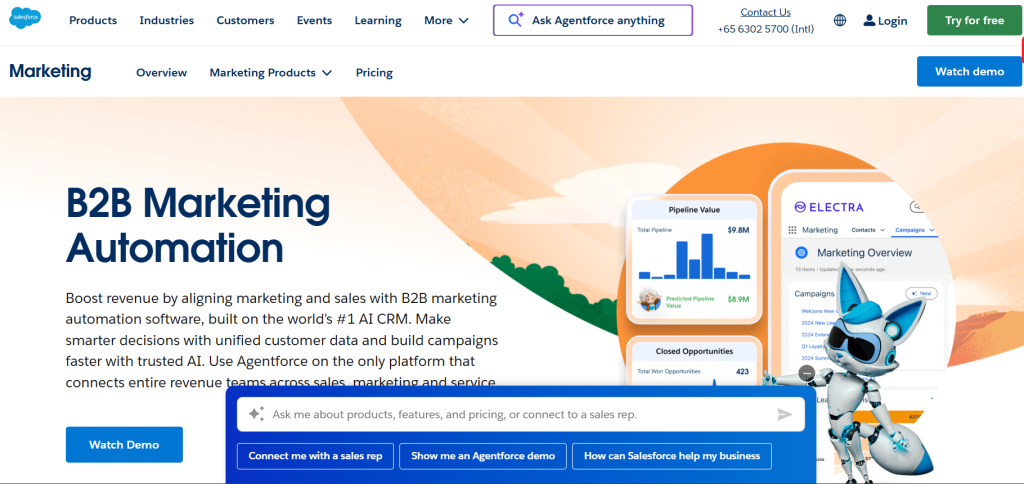
Previously known as Pardot, this platform is the default choice for companies already invested in the Salesforce ecosystem. The native integration with Sales Cloud is genuinely unmatched—lead scoring models automatically create tasks for sales reps, and closed-loop reporting shows exactly which campaigns influence opportunities.
The 2026 updates have focused on Einstein AI capabilities, particularly in content recommendations and engagement scoring. The platform now suggests which email template is likely to perform best for specific segments based on historical engagement patterns across your account.
Best for: B2B organizations with sales cycles longer than 30 days, deal values above $10,000, and existing Salesforce Sales Cloud implementation.
Salesforce Marketing Cloud Pricing
| Edition | Price (USD) | Billing | Main Features |
|---|---|---|---|
| Account Engagement+ | $1,250/month | Billed annually | Agentforce Campaign Creation, Lead nurturing & scoring, B2B marketing analytics |
| Marketing Cloud Next Growth | $1,500/month | Billed annually | Agentforce Campaign Creation, Multi-channel journeys, Forms & landing pages |
| Marketing Cloud Next Advanced | $3,250/month | Billed annually | Agentforce Campaign Creation, Path experimentation, Two-way SMS & WhatsApp |
Integration strength: Perfect Salesforce integration, naturally. Outside the Salesforce ecosystem, connections require more configuration than plug-and-play platforms like HubSpot.
Realistic limitation: The interface feels dated compared to newer platforms. User experience hasn’t been a priority, and new marketing team members often struggle with the learning curve. Budget at least 40 hours of training for new users.
3. Sequenzy
Sequenzy is an email marketing platform built from the ground up for SaaS founders and startups. It combines marketing automation, transactional emails, and reply tracking into one clean system — so you don’t need to stitch together three different tools just to send onboarding sequences, password resets, and newsletters.
What sets Sequenzy apart for early-stage companies is its pricing model: you pay based on email volume, not contacts. Your entire subscriber list lives in the platform for free — you only pay when you actually send. This makes migration safe and scaling predictable, which matters when every dollar counts.
The visual automation builder lets you create event-driven workflows triggered by user actions like signups, feature usage, or subscription changes. Built-in integrations with Stripe, Paddle, and Lemon Squeezy mean you can segment subscribers by MRR, plan tier, or LTV without any custom code. And the reply tracking with team inbox means customer responses don’t disappear into a void — your team sees and manages them in one place.
Key Features
- Unified Platform: Marketing automation, transactional API, and reply tracking in one tool.
- Visual Automation Builder: Event-driven workflows with conditional branching, delays, and A/B testing.
- Payment Integrations: Segment by MRR, LTV, and plan tier from Stripe, Paddle, and Lemon Squeezy.
- Reply Tracking & Team Inbox: Manage customer email responses without a separate helpdesk.
- Revenue Attribution: See exactly which emails drive upgrades, conversions, and reduce churn.
- Full REST API: Developer-friendly with webhooks, event tracking, and embeddable forms.
Pricing
| Plan | Price |
|---|---|
| Free | $0/mo (2,500 emails, unlimited contacts, “Sent with Sequenzy” label) |
| Starter | $19/mo (15,000 emails) |
| Growth | $29/mo (60,000 emails) |
| Pro | $49/mo (120,000 emails) |
| Business | $99/mo (300,000 emails) |
| Scale | $199/mo (600,000 emails) |
| Enterprise | $349/mo (1.2M emails) |
4. Adobe Marketo Engage
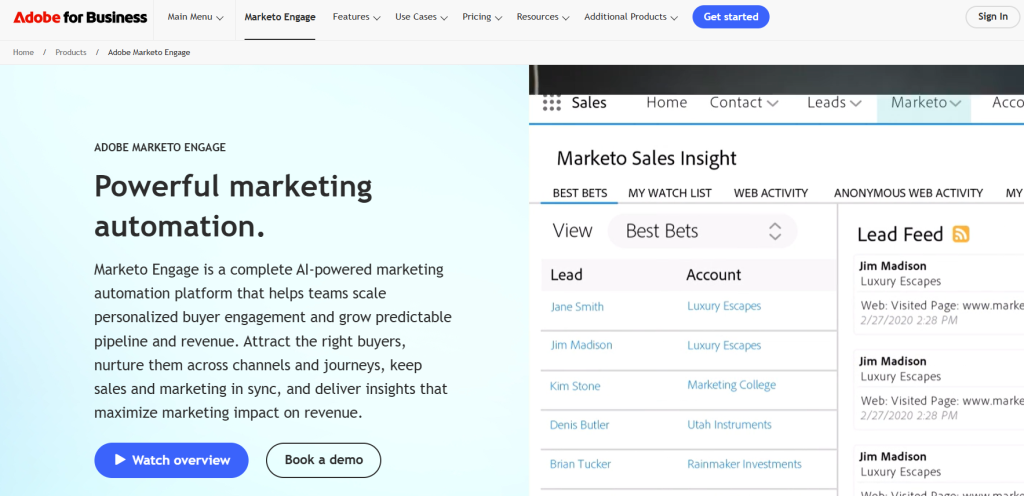
Marketo is the choice for enterprises running extremely sophisticated, multi-touch nurture programs with complex lead lifecycle stages. The revenue cycle analytics and attribution modeling capabilities remain industry-leading, particularly for companies that need to prove marketing’s contribution to pipeline across multiple channels and long sales cycles.
The platform excels at managing intricate segmentation logic and dynamic content personalization. You can build workflows with conditional branching that accounts for dozens of variables—industry, company size, engagement history, CRM opportunity stage, and behavioral triggers all working together.
Best for: Enterprise B2B companies with dedicated marketing operations specialists who can leverage Marketo’s full technical capabilities.
Pricing reality: Starts around $1,295/month but realistically plan on $3,000-6,000/month once you factor in the database size most enterprises require. Implementation costs are substantial—budget $20,000-50,000 for proper setup.
Integration strength: Strong API and broad integration library. Works with most major CRMs, though Salesforce integration is most mature. The Adobe Experience Cloud connections are powerful if you’re already in that ecosystem.
Realistic limitation: Marketo is overkill for most companies. Unless you have a dedicated marketing ops person and genuinely complex requirements, you’re paying for sophistication you’ll never use. The interface is powerful but not intuitive.
5. Oracle Eloqua
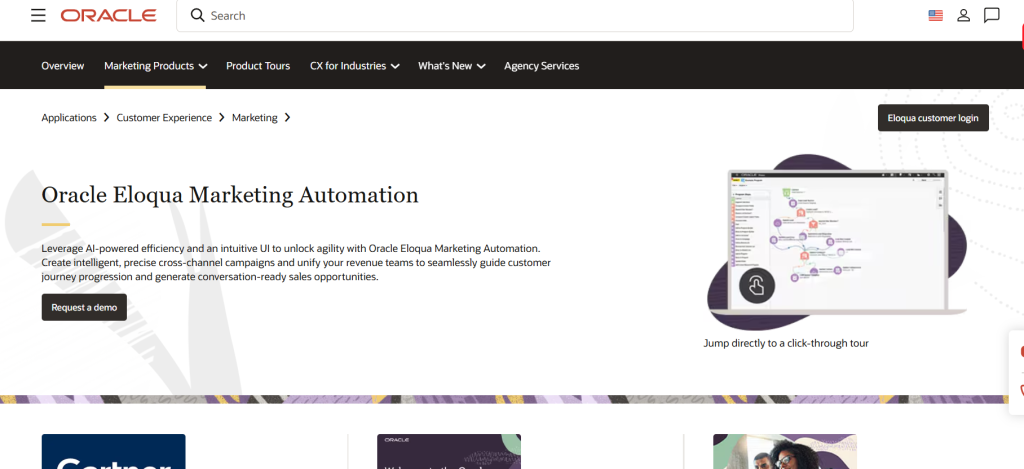
Eloqua serves the largest, most complex enterprise organizations—think Fortune 500 companies with global operations, multiple business units, and extremely high-volume email programs. The platform can handle hundreds of millions of contacts and sophisticated data management requirements that would overwhelm other tools.
The campaign canvas feature allows you to visualize and orchestrate incredibly complex, multi-step nurture programs that branch based on dozens of conditions. The level of control over data architecture, scoring models, and workflow logic is unmatched.
Best for: Enterprise organizations with over 1,000 employees, multiple product lines, complex organizational structures, and dedicated marketing operations teams.
Pricing reality: Starts around $2,000/month but actual enterprise implementations typically run $4,000-10,000/month depending on contact volume and features. Implementation requires serious investment—expect $50,000+ for proper deployment.
Integration strength: Deep integration with Oracle’s own tech stack. Outside Oracle products, integration capability is strong but requires more technical resources than competitor platforms.
Realistic limitation: Unless you’re managing truly enterprise-scale complexity, Eloqua is massive overkill. The learning curve is steep, the interface is not user-friendly by modern standards, and you need dedicated technical resources to maintain it effectively.
Best Automation Tools for Small Businesses and Startups
These platforms prioritize quick implementation, affordable pricing, and features that deliver immediate value without requiring dedicated marketing operations staff.
6. ActiveCampaign
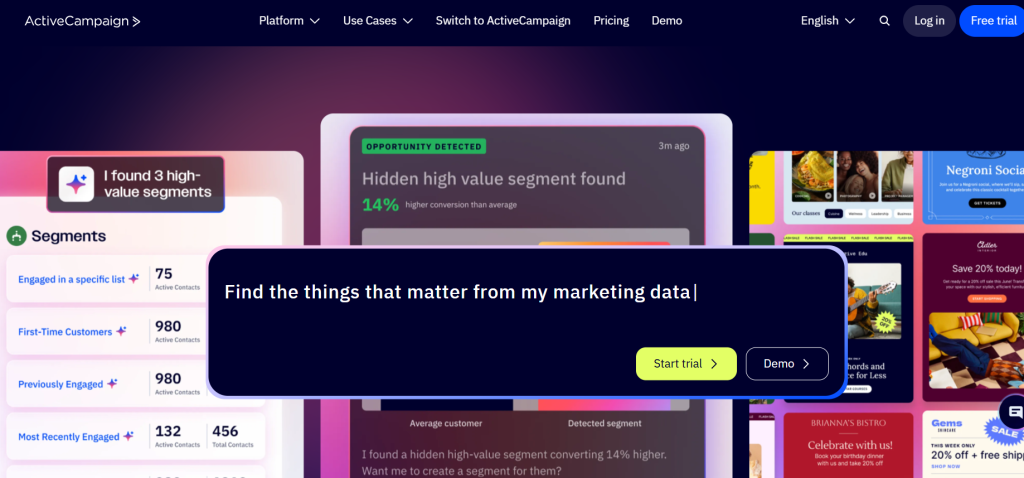
ActiveCampaign has become the go-to platform for small businesses that have outgrown basic email marketing but aren’t ready for enterprise pricing. The automation builder strikes the perfect balance—visual and intuitive enough for non-technical users, yet powerful enough to build sophisticated behavioral workflows.
The 2026 version has dramatically improved its CRM capabilities, making it a genuine all-in-one solution for small B2B service companies. The sales automation features now include email tracking, deal pipelines, and task automation that rivals standalone CRMs at a fraction of the cost.
Best for: Small businesses (5-50 employees) doing B2B services, coaching, courses, or membership businesses that need both marketing automation and basic CRM functionality.
ActiveCampaign Email Pricing (1,000 Contacts)
| Plan | Starting Price (USD) | Users | Key Features |
|---|---|---|---|
| Starter | $15/month | 1 user | Email marketing, Basic automation, Limited segmentation |
| Plus | $49/month | 1 user | Automation, Standard segmentation, Landing pages |
| Pro | $79/month | 3 users | Advanced segmentation, Attribution tracking, Predictive content |
| Enterprise | $145/month | 5 users | Premium segmentation, Custom objects, SSO, Dedicated account team |
Integration strength: Over 870 integrations via native connections and Zapier. Works particularly well with WordPress, Shopify, and most major eCommerce platforms.
Realistic limitation: Reporting is decent but not sophisticated. If you need detailed attribution modeling or complex funnel analysis, you’ll need to export data to another tool. The interface can feel cluttered once you’ve built many automations.
7. Brevo
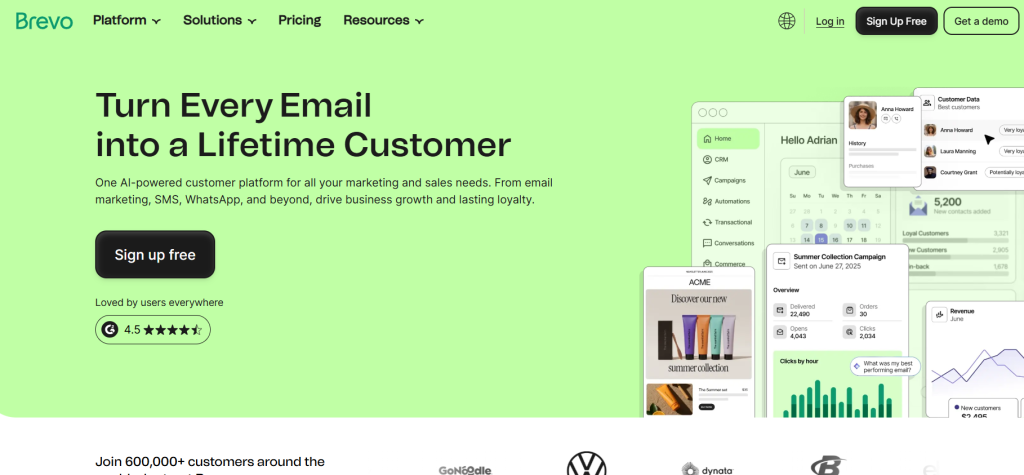
Formerly Sendinblue, Brevo has carved out a strong position as the most affordable entry into genuine marketing automation. What makes it particularly compelling in 2026 is the addition of WhatsApp messaging alongside email and SMS, creating a true multi-channel platform at a price point accessible to very small businesses.
The platform’s approach to pricing is refreshingly different—you pay based on emails sent rather than contacts stored. For businesses with large lists but infrequent sending patterns, this can result in substantial savings compared to contact-based pricing models.
Best for: Very small businesses, solopreneurs, and startups that need professional automation features without significant monthly overhead.
Brevo Pricing Plans
| Plan | Starting Price (USD) | Key Features |
|---|---|---|
| Starter | $9/month | Email & SMS marketing, AI content generator, Advanced segmentation, Forms, Basic analytics |
| Standard | $18/month | Marketing automation, A/B testing, Advanced reporting, Landing pages |
| Professional | $499/month | 150,000+ emails/month, Multi-channel (WhatsApp, Push), 10 seats, AI segmentation, Phone support |
| Enterprise | Custom pricing | Multi-account management, Custom integrations, Dedicated IP, SSO/SAML, Dedicated support |
Integration strength: Solid integration library with most major eCommerce platforms, WordPress, and CRMs. Not as extensive as ActiveCampaign but covers the essentials.
Realistic limitation: The automation builder is more basic than competitors. You can build effective workflows, but the conditional logic and branching options are more limited than ActiveCampaign or even Mailchimp’s premium tier.
8. Mailchimp
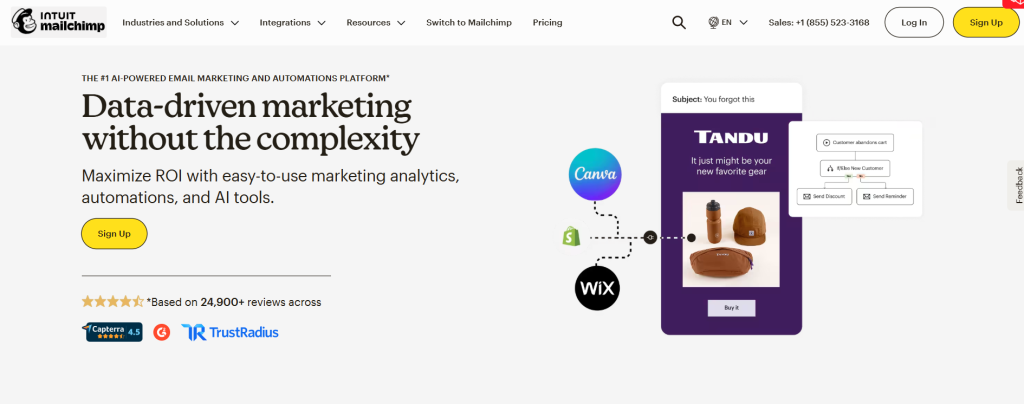
Mailchimp has fully transformed from an email marketing tool into a legitimate marketing automation platform. The 2026 version includes customer journey builders, predictive segmentation, and even basic website builders—positioning it as an all-in-one platform for very small businesses.
What Mailchimp does exceptionally well is make complex features accessible. The pre-built automation templates for abandoned cart, welcome series, and re-engagement campaigns let non-technical users launch sophisticated workflows in minutes, not hours.
Best for: Small eCommerce businesses, content creators, and local businesses that need automation features but don’t have technical marketing expertise.
Mailchimp Regular Pricing (0–500 Contacts)
| Plan | Starting Price (USD) | Key Highlights |
|---|---|---|
| Free | $0/month | Core email marketing tools (limited send) |
| Essentials | $13/month | Email scheduling, A/B testing, Basic automation |
| Standard | $20/month | Enhanced automation, Generative AI features, Custom templates |
| Premium | $350/month | Unlimited contacts, Advanced segmentation, Priority support |
Integration strength: Extensive integration library, particularly strong with eCommerce platforms like Shopify, WooCommerce, and BigCommerce. Over 300 native integrations.
Realistic limitation: Pricing scales aggressively as your list grows. What starts affordable at 2,000 contacts becomes expensive compared to alternatives by the time you reach 10,000+ contacts. Customer support quality has declined as the company has scaled.
9. GetResponse
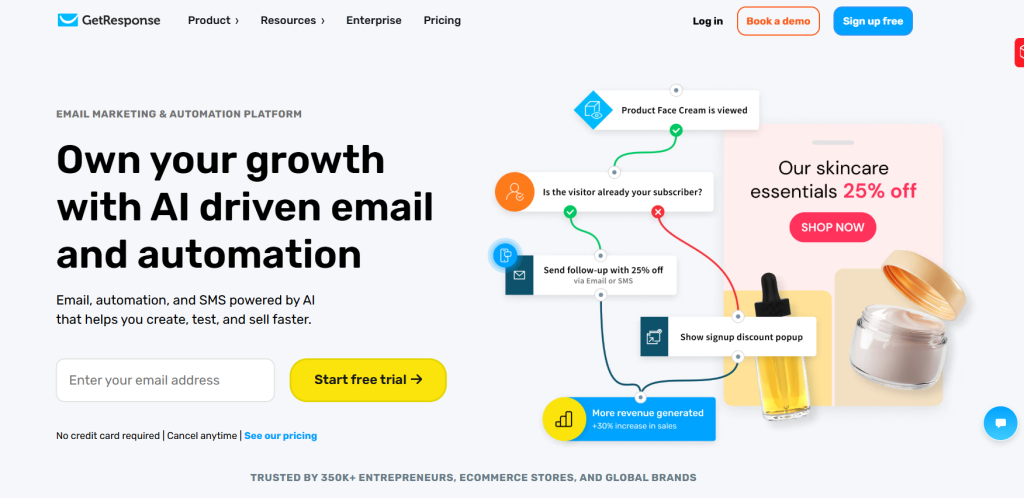
GetResponse remains a solid alternative for small businesses that want powerful automation features without the premium pricing of enterprise tools. The platform has invested heavily in conversion funnel features, adding landing page builders, webinar hosting, and even course creation capabilities.
The automation workflows are surprisingly sophisticated for the price point. You can build complex conditional logic, score contacts based on behavior, and trigger actions across email, SMS, and web notifications from a single campaign canvas.
Best for: Online course creators, webinar-based businesses, and small companies running complex funnel strategies on a limited budget.
GetResponse Pricing Plans
| Plan | Starting Price (USD) | Key Features |
|---|---|---|
| Starter | $19/month | Unlimited emails, AI content tools, 1 automation workflow, Landing pages |
| Marketer | $59/month | Unlimited automations, Advanced segmentation, Abandoned cart, Sales funnels |
| Creator | $69/month | Webinars, Website builder, Course creator (up to 500 students), Premium newsletters |
| Enterprise | Custom pricing | Dedicated IP, SMS & mobile push, AI product recommendations, SSO, Priority support |
Integration strength: Good coverage of essential integrations including Shopify, WooCommerce, PayPal, Stripe, and major CRMs. The integration library isn’t as extensive as Mailchimp but covers most use cases.
Realistic limitation: The interface feels dated compared to newer platforms. While functionality is strong, the user experience hasn’t kept pace with more modern competitors. The webinar feature, while unique, is more basic than dedicated webinar platforms.
Top Platforms for eCommerce and D2C Brands
These platforms are purpose-built for online retail, with native understanding of products, variants, purchase behavior, and the specific workflows that drive eCommerce revenue.
10. Klaviyo
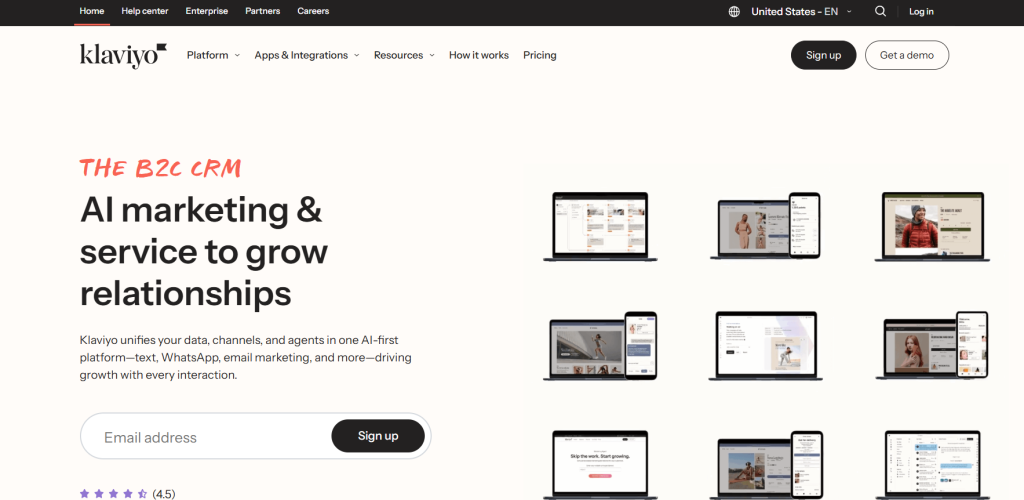
Klaviyo has become the dominant force in eCommerce marketing automation, and for good reason. The platform understands eCommerce data natively—products viewed, categories browsed, predicted customer lifetime value, expected next order date. This isn’t a generic automation tool adapted for retail; it’s built from the ground up for online stores.
The 2026 version has introduced AI-powered flow optimization that automatically adjusts timing and content within your automation sequences based on individual customer behavior patterns. Cart abandonment sequences now dynamically adjust discount offers based on cart value and customer history, often recovering 20-30% of would-be lost sales.
Best for: Growing eCommerce brands with at least $1 million in annual revenue that generate sufficient email engagement volume to justify the investment.
Klaviyo Pricing Overview
| Plan / Add-On | Price (USD) | Key Features |
|---|---|---|
| Email Marketing (Paid) | $45/month (1,001–1,500 profiles) | Unlimited email flows, SMS & WhatsApp messaging, Generative AI, Predictive analytics, Reports & dashboards |
| Marketing Analytics | $100/month (1,001–1,500 profiles) | Advanced attribution, RFM analysis, Predictive insights, Performance & segment reports, Industry benchmarks |
| Advanced Klaviyo Data Platform (CDP) | $500/month (100,000 profiles) | Unified customer data, Predictive analytics, CLV prediction, Real-time segmentation, Catalog & purchase insights, Unlimited data retention |
Integration strength: Best-in-class eCommerce integrations. Shopify, WooCommerce, BigCommerce, Magento all sync deeply, pulling product catalog data, inventory levels, and detailed purchase history. Also integrates with review platforms, loyalty programs, and subscription management tools.
Realistic limitation: Overkill for brands under $500K annual revenue. The power requires sophistication to leverage effectively. Also, pricing can escalate quickly as your list grows—budget accordingly.
11. Omnisend
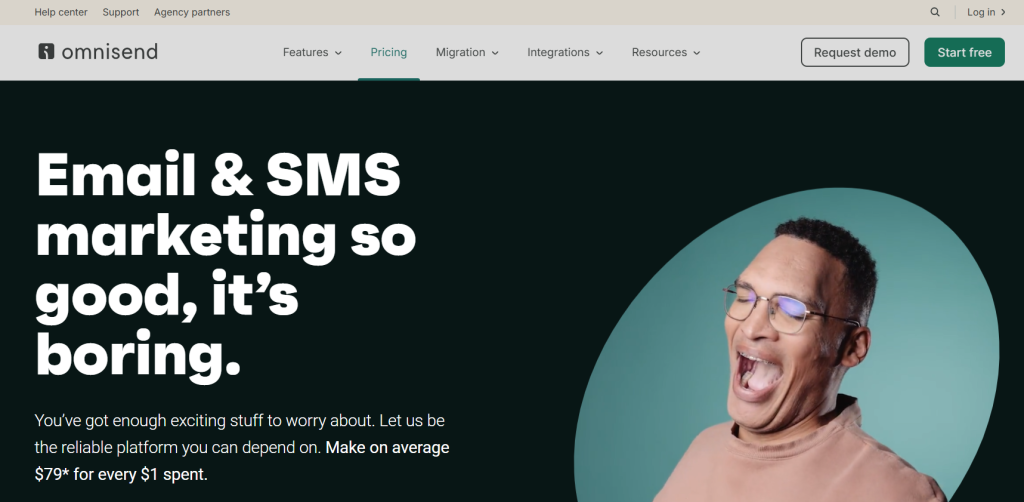
Omnisend positions itself as the more affordable alternative to Klaviyo while still offering eCommerce-specific features. The platform’s strength lies in its truly omnichannel approach—seamlessly coordinating email, SMS, push notifications, and even Facebook and Google retargeting from unified workflows.
The automation templates are excellent for brands that want to launch sophisticated campaigns quickly. Pre-built flows for browse abandonment, cart recovery, and post-purchase sequences include proven messaging and timing that’s been tested across thousands of eCommerce stores.
Best for: Small to mid-sized eCommerce brands (under $5 million annual revenue) that want sophisticated multi-channel automation without enterprise-level costs.
Omnisend Pricing Plans
| Plan | Price (USD) | Key Features |
|---|---|---|
| Standard | $11.20/month (pay 3 months upfront) | 6,000 emails/month, 500 contacts, Unlimited web push, Forms AI, 24/7 support |
| Pro | $41.30/month (pay 3 months upfront) | Unlimited emails, 2,500 contacts, Advanced reporting, Personalized content, Forms AI, 24/7 support |
| Custom | Custom pricing | Unlimited emails, Custom contacts, Global SMS, Personalized content, Free migration, Advanced reporting, 24/7 support |
Integration strength: Strong integrations with Shopify, WooCommerce, BigCommerce, and Wix. Not quite as deep as Klaviyo’s data sync, but covers what most stores need. Good connectivity with review platforms and subscription apps.
Realistic limitation: Segmentation capabilities aren’t as granular as Klaviyo. For brands running highly sophisticated targeting based on predicted lifetime value or complex behavioral triggers, Omnisend feels limiting. Reporting is good but not exceptional.
12. Drip
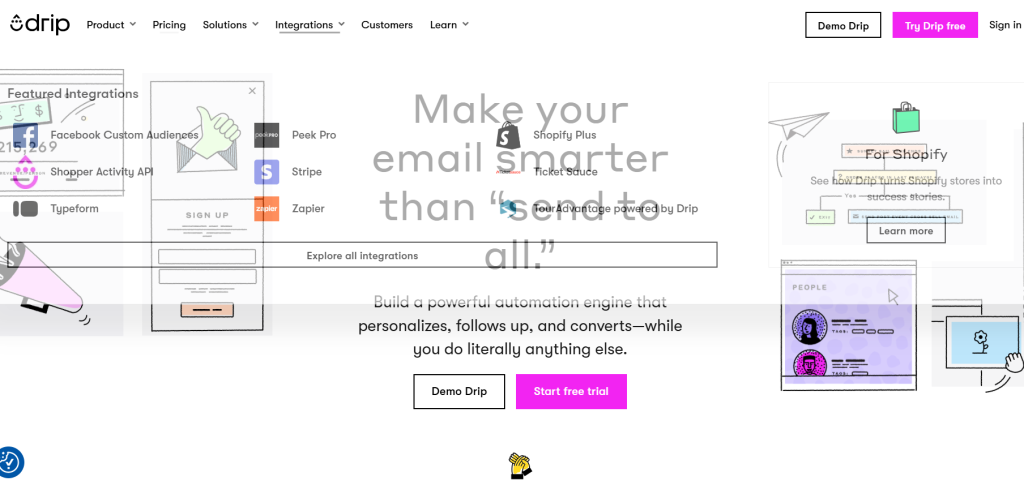
Drip has refined its focus to serve eCommerce brands that want powerful automation without overwhelming complexity. The platform emphasizes visual workflow builders that make it easy to map customer journeys, combined with eCommerce-specific triggers like “item back in stock” or “price drop on watched product.”
The tagging and custom field system is particularly flexible, allowing brands to build sophisticated segmentation logic without needing to understand complex database queries. The combination of behavioral automation and traditional email campaigns creates a coherent multi-touch strategy.
Best for: eCommerce brands with strong direct-to-consumer focus, particularly those selling higher-consideration products with longer decision cycles.
Drip Pricing (2,500 contacts)
| Plan | Price (USD) | Key Features |
|---|---|---|
| Standard | $39/month | 1–2,500 contacts, Unlimited email sends, Email support, Dynamic segments, Onsite campaigns, Up to 50 workflows, Unlimited sub-accounts, Open API access, Multi-channel marketing (email, social, popups), Pre-built workflows, A/B testing |
Integration strength: Solid eCommerce platform connections including Shopify, WooCommerce, and Magento. The integration quality is high—detailed product and purchase data syncs reliably. Good connectivity with Facebook ads for creating custom audiences.
Realistic limitation: Lacks the advanced features of Klaviyo like predictive analytics and AI-powered send time optimization. SMS capabilities exist but feel tacked on rather than truly integrated into the core platform.
Best Solutions for Agencies and Workflow Optimization
These platforms address the unique needs of agencies managing multiple client accounts, businesses requiring extensive custom workflow automation, or teams focused on cross-platform integration.
13. HighLevel
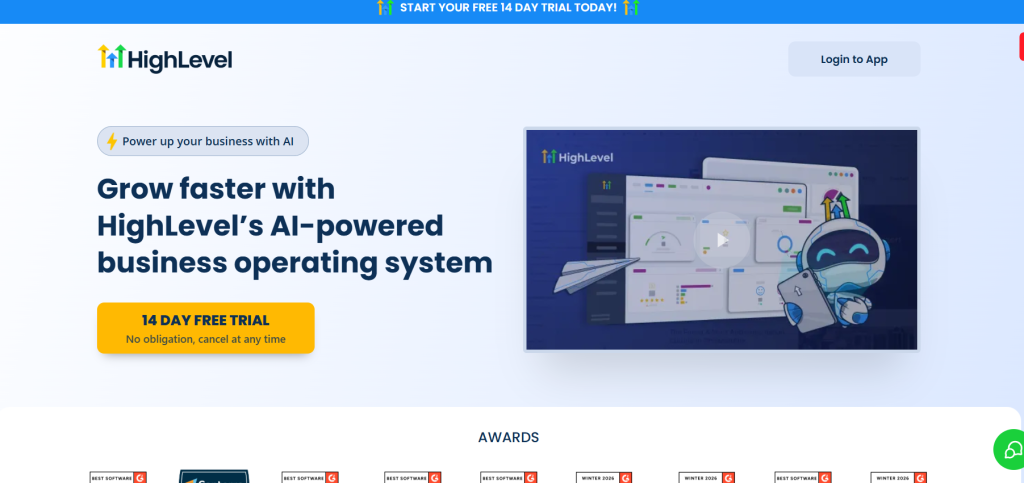
HighLevel has exploded in popularity among digital marketing agencies because it solves a genuine pain point—managing multiple client accounts under one umbrella with true white-label capabilities. You can rebrand the entire platform as your own, charge clients for access, and manage everything from one master account.
Beyond the white-label appeal, HighLevel bundles an impressive array of tools: CRM, email and SMS automation, landing pages, funnel builder, appointment scheduling, call tracking, and even a website builder. For agencies offering comprehensive digital marketing services, this eliminates the need for multiple tool subscriptions per client.
Best for: Digital marketing agencies serving small business clients, particularly those offering lead generation, appointment setting, or local business marketing services.
HighLevel Pricing Plans
| Plan | Price (USD) | Key Features |
|---|---|---|
| Starter | $97/month | Lead capture & nurturing, Full online booking, Pipelines, Social calendar, Website builder, Unlimited contacts & users, Up to 3 sub-accounts, Custom objects, Branded desktop app |
| Unlimited | $297/month | Everything in Starter, API access, Unlimited sub-accounts for clients |
Integration strength: Covers essential integrations with payment processors, calendar systems, and popular CRMs. Integration library isn’t as extensive as specialized platforms but handles typical agency needs. Zapier connectivity fills gaps.
Realistic limitation: The all-in-one approach means individual features aren’t best-in-class. The email deliverability doesn’t match dedicated email platforms, and the funnel builder is less sophisticated than ClickFunnels or Leadpages. Works well for small business clients but lacks enterprise features.
14. Keap
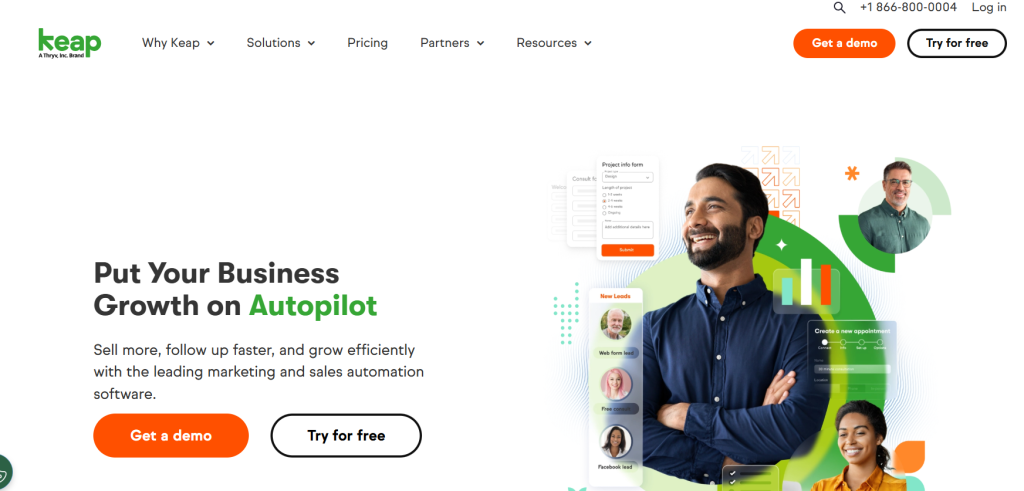
Formerly Infusionsoft, Keap serves small businesses and agencies that need powerful automation with a strong CRM foundation. The platform’s strength is managing the entire client lifecycle—from lead capture through sale and ongoing client management—in one system.
Keap’s approach to automation emphasizes simplicity without sacrificing capability. The pre-built campaign templates for service businesses, coaches, and consultants allow you to launch sophisticated follow-up sequences quickly. The integrated appointment scheduling, invoicing, and payment processing create a complete business management system.
Best for: Service-based small businesses, coaches, consultants, and agencies that need CRM, automation, and business management tools in one platform.
Keap All-in-One Plan
| Plan | Price (USD) | Users | Contacts | Key Features |
|---|---|---|---|---|
| All-in-One | $299/month | 2 users | 1,500 contacts | Full Keap platform, Serious automation, Lead capture & nurturing, Pipelines, Website & booking tools, Unlimited marketing features |
Integration strength: Good integration coverage with WordPress, payment processors, and most business tools. The integration quality has improved significantly from the Infusionsoft days but still requires some technical knowledge to configure properly.
Realistic limitation: Expensive compared to alternatives offering similar features. The interface has modernized but still feels more complex than necessary. Email deliverability has historically been a challenge, though this has improved in recent years.
15. Zapier
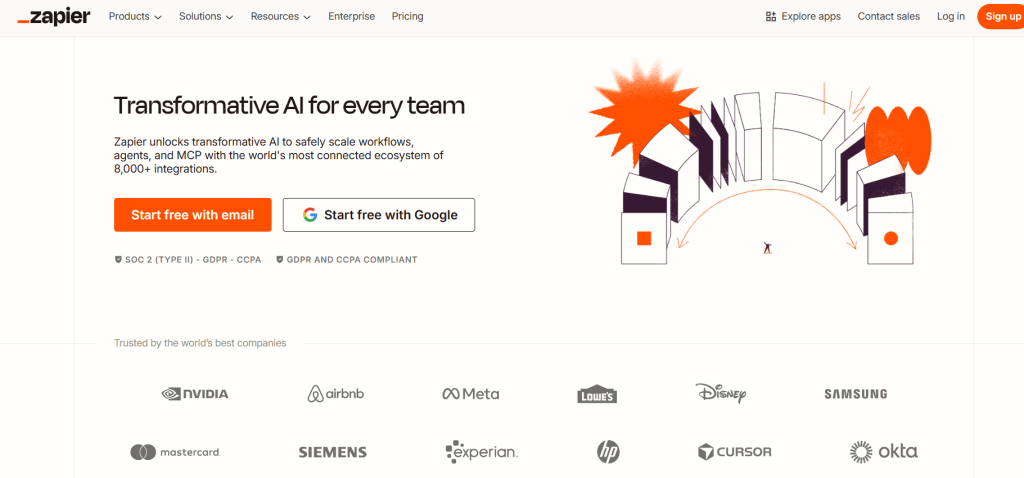
Zapier isn’t a marketing automation platform in the traditional sense—it’s the connective tissue that lets you build custom automation across 6,000+ apps. For businesses running best-of-breed tool stacks, Zapier enables workflows that would otherwise require custom API development.
The 2026 version has added AI-powered automation suggestions that analyze your connected apps and recommend workflows you might not have considered. The multi-step Zaps can now include conditional logic, loops, and data transformation—approaching the sophistication of enterprise integration platforms at a fraction of the cost.
Best for: Businesses committed to best-of-breed tool strategies that need to automate data flow and trigger actions across multiple platforms.
Zapier AI Orchestration Pricing
| Plan | Price (USD) | Users | Key Features |
|---|---|---|---|
| Free | $0/month | 1 user | 100 tasks/month, 2-step Zaps, Zaps/Tables/Forms, Zapier Copilot (daily limits), Unlimited Zaps/Tables/Forms |
| Professional | $29.99/month | 1 user | Multi-step Zaps, Unlimited premium apps, Webhooks, AI fields, Conditional form logic, Email & live chat support |
| Team | $103.50/month | 25 users | Shared Zaps/folders, Shared app connections, SAML SSO, Premier Support, Full AI-powered workflow collaboration |
| Enterprise | Custom pricing | Unlimited users | Advanced admin controls, Annual task limits, Observability, Advanced deployment, Technical Account Manager, Full AI orchestration |
Integration strength: Unmatched breadth with over 6,000 app integrations. If a tool has an API, Zapier probably connects to it. The depth of integration varies—some are full-featured while others are basic trigger/action connections.
Realistic limitation: Task limits can be consumed quickly in high-volume scenarios. The learning curve for building complex multi-step Zaps is steeper than marketing automation platforms’ visual builders. Troubleshooting failed Zaps requires some technical aptitude.
16. Semrush
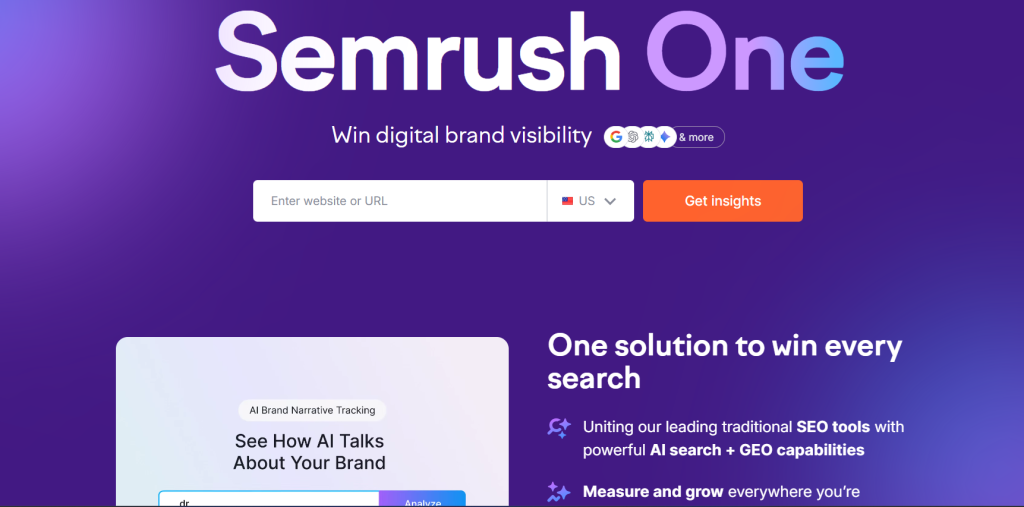
While primarily known as an SEO platform, Semrush has developed genuine marketing automation capabilities focused on content marketing workflows and lead generation. The platform excels at automating content research, competitive monitoring, and SEO-driven lead nurturing.
The unique value is connecting SEO data to marketing automation. You can automatically trigger email sequences when prospects search specific keywords, create nurture tracks based on content consumption patterns, and personalize outreach using competitive intelligence data from Semrush’s research tools.
Best for: Content-focused B2B companies and agencies where SEO and content marketing drive primary lead generation.
Pricing reality: Pro plan at $129.95/month includes basic automation features. Guru plan at $249.95/month adds advanced automation workflows. Business plan at $499.95/month unlocks API access and expanded capabilities. Note that these plans primarily price for SEO tools—automation is a secondary feature.
Integration strength: Integrates with major CRMs, Google Analytics, and content management systems. The integration library is focused on marketing and SEO tools rather than broad business applications.
Realistic limitation: Not a full-featured marketing automation platform. Best used as a complement to another primary automation tool rather than as your sole solution. The learning curve is significant if you’re trying to leverage both SEO and automation features simultaneously.
How to Choose the Right Marketing Automation Software
Selecting a marketing automation platform requires evaluating technical capabilities, but the decision ultimately hinges on aligning features with your actual business processes and team capabilities. Here’s what actually matters.
Evaluating Integration Capabilities and API Flexibility
Integration quality varies dramatically across platforms. A tool might claim it “integrates” with your CRM, but the practical reality ranges from full bi-directional data sync to a basic one-way contact export. Before committing, verify these specific integration capabilities:
Does the integration sync in real-time or on scheduled intervals? For sales and marketing alignment, real-time matters. Check whether custom fields map properly—many integrations only support standard fields, forcing you to rebuild data structures or lose information in translation.
API flexibility becomes critical as your needs mature. Platforms with robust APIs and good documentation allow your development team to build custom integrations when needed. Review the API rate limits too—some platforms severely restrict API calls, which can bottleneck custom workflows or real-time applications.
The practical test: ask vendors for a technical integration call where your developer can ask specific questions about webhooks, API endpoints, and data object structure. Vague answers indicate problems ahead.
Understanding Pricing Models: Contact-Based vs. User-Based Costs
Marketing automation pricing models directly impact your total cost of ownership, sometimes in non-obvious ways. Contact-based pricing means you pay based on the number of contacts in your database. This works well when you have a clean list and send regularly to most contacts. It becomes expensive when you maintain a large database but only email segments actively.
Email-volume pricing (like Brevo) charges based on sends rather than contacts stored. This benefits businesses with large lists but infrequent sending patterns—think annual event marketers or seasonal retailers. The downside is unpredictable costs if your email volume spikes.
User-based pricing charges per team member accessing the platform. This can be economical for agencies managing many client contacts but becomes expensive as your team grows. Some platforms combine models—contact tiers plus per-user fees—creating complex cost projections.
The hidden costs often emerge in feature gating. Basic plans from major platforms often exclude essential capabilities like A/B testing, advanced segmentation, or API access. Model your true costs at the tier where you get features you actually need, not the advertised starting price.
Balancing Ease of Use with Advanced Customization Needs
There’s genuine tension between user-friendly interfaces and deep customization capability. Platforms like HubSpot prioritize intuitive design, making it easy for marketers to build campaigns without technical support. The trade-off is less flexibility for complex, highly customized workflows.
Enterprise platforms like Marketo and Eloqua offer powerful customization but require dedicated marketing operations specialists to manage effectively. Non-technical marketers struggle with these tools, often leading to underutilization of capabilities you’re paying for.
Assess your team’s realistic technical capability. If you don’t have a marketing ops person and won’t hire one soon, enterprise-complexity tools will frustrate your team and slow campaign execution. Conversely, if you have sophisticated requirements—complex lead lifecycle stages, intricate scoring models, detailed attribution—simpler tools will feel limiting within six months.
The middle ground platforms like ActiveCampaign and Klaviyo handle this balance well, offering visual builders that non-technical users can navigate while providing enough depth for sophisticated use cases. Test the actual workflow builder during trials, not just demos—create a real campaign scenario that matches your complexity level.
Real-World Use Cases by Business Model
Understanding how similar businesses use marketing automation reveals what actually matters beyond feature lists. Here are proven implementations across common business models.
B2B SaaS: Lead Scoring and Account-Based Marketing
B2B SaaS companies face the challenge of distinguishing serious buyers from casual browsers in their trial signups. Marketing automation solves this through behavioral lead scoring combined with firmographic data. When someone from a target company downloads a pricing comparison guide, requests a demo, and views integration documentation, that combination triggers a qualified lead score that alerts sales immediately.
Account-based marketing automation takes this further by coordinating outreach across multiple contacts at target accounts. When the engineering lead at a target company reads technical documentation while the VP Marketing downloads ROI calculators, the platform recognizes these as related activities within a buying committee and adjusts messaging accordingly.
The practical workflow: integrate your product analytics with marketing automation so trial user behavior triggers appropriate nurture sequences. Users who deploy core features get success stories highlighting advanced capabilities. Users who struggle with setup get educational content and support resources. This personalization increases trial-to-paid conversion by 20-40% in typical implementations.
Platforms like HubSpot, Marketo, and Salesforce Account Engagement excel here because of their sophisticated scoring models and CRM integration depth. The key success factor isn’t choosing the most powerful platform—it’s actually implementing behavioral tracking and regularly refining your scoring model based on what behaviors genuinely predict closed deals.
eCommerce: Recovering Lost Revenue via Cart Abandonment Flows
Cart abandonment flows are table stakes for eCommerce automation, but sophisticated implementations go far beyond a single “you forgot something” email. The most effective sequences adjust timing, messaging, and incentives based on customer history and cart value.
First-time visitors get a different sequence than returning customers. Someone with a $500 cart sees different messaging than a $50 cart. Known customers with strong purchase history might receive no discount while first-timers get a 10% offer in the second email. This segmentation typically recovers 25-35% of abandoned carts without training customers to expect discounts.
Browse abandonment automation captures even earlier intent. Someone who viewed a product multiple times but didn’t add to cart receives tailored content highlighting that product’s benefits, often including social proof like reviews or user-generated content. This catches consideration-stage buyers before they leave your site entirely.
Post-purchase automation drives repeat revenue through perfectly timed replenishment reminders (based on product type and consumption patterns), complementary product recommendations, and VIP program invitations for high-value customers. The automation identifies your best customers and treats them differently, increasing lifetime value.
Klaviyo and Omnisend dominate eCommerce automation because they understand this data natively and make these workflows accessible to non-technical store owners. The practical implementation tip: start with basic cart abandonment, measure results for 30 days, then progressively add sophistication rather than trying to build perfect workflows immediately.
Agencies: Managing Multi-Client Reporting and White Labeling
Agencies face unique challenges—managing dozens or hundreds of client accounts while maintaining operational efficiency and demonstrating clear ROI to justify retainers. Marketing automation platforms designed for agencies solve this through sub-account architecture and white-label capabilities.
The practical workflow involves creating template campaigns that work across similar client types—lead generation for real estate agents, appointment booking for dental practices, eCommerce flows for local retailers. These templates deploy quickly for new clients, then customize based on specific business needs. This approach reduces campaign setup from weeks to days.
White-label reporting is critical for client retention. Rather than showing clients a third-party platform interface, agencies rebrand the reporting environment with their own logo and domain. Automated monthly reports generate and send to clients without manual work, highlighting key metrics like lead volume, conversion rates, and ROI attribution.
Multi-client billing creates additional complexity. Some platforms charge per client account, quickly becoming expensive as agencies scale. Others charge based on total contact volume across all clients, which works better for agencies with many small clients. Understanding these economics determines profitability.
HighLevel has gained agency market share specifically by solving these problems at an economical price point. However, for agencies serving larger, more sophisticated clients, HubSpot’s partner program and Klaviyo’s agency-friendly pricing offer more robust feature sets that justify higher costs through better client results.
Expert Insights: Overcoming Common Implementation Challenges
Most marketing automation failures stem from implementation problems rather than platform limitations. Here’s how to avoid common pitfalls that derail adoption.
Data Hygiene and Migration Best Practices
The temptation when implementing new marketing automation is importing your entire existing database immediately. This is almost always a mistake. Legacy data contains duplicates, outdated information, unengaged contacts who damage deliverability, and contacts who never properly opted in—creating compliance risk.
The better approach involves data cleansing before migration. Remove hard bounces and unsubscribes definitively. Deduplicate contacts using email as the unique identifier, not name (which creates matches where none exist). For B2B databases, verify that companies still exist and contacts still work there, especially if data is over 18 months old.
Segment your migration based on engagement level. Import your most engaged contacts first—those who opened or clicked in the last 90 days. This ensures your initial sends on the new platform go to responsive audiences, establishing positive deliverability reputation. Import less engaged segments progressively, running re-engagement campaigns before including them in regular sends.
Map custom fields carefully before importing. What your old system called “lead_source” might map to “original_source” in your new platform. Document these mappings explicitly. Review sample records after importing to verify data landed in correct fields. Fixing mapping errors after launching campaigns is significantly harder than getting it right initially.
The hidden complexity in migration involves historical engagement data. Some platforms import open and click history, maintaining engagement scores. Others start fresh, treating all contacts as equally engaged regardless of history. Understand your new platform’s approach and adjust your initial segmentation strategy accordingly.
Bridging the Gap Between Sales and Marketing Teams
Marketing automation implementation often exposes dysfunction between sales and marketing teams. Marketing generates leads that sales considers unqualified. Sales doesn’t follow up on leads quickly enough. Nobody agrees on what constitutes a “qualified lead.” These aren’t technical problems—they’re process and communication failures that technology can’t solve alone.
Before implementing automation workflows that route leads to sales, establish explicit lead qualification criteria that both teams agree on. What actions or characteristics indicate genuine buying intent? What constitutes an appropriate time to contact versus nurture further? Document these definitions clearly, with specific examples.
Build feedback loops into your automation. When sales marks a lead as unqualified, require them to indicate why—wrong industry, not decision maker, poor timing, etc. This data informs marketing about which lead sources or signals aren’t working, enabling progressive refinement of qualification criteria.
The practical workflow that works best involves graduated handoff stages rather than binary “marketing lead” versus “sales lead” status. Marketing nurtures until contacts hit basic qualification thresholds. Marketing-qualified leads get assigned to sales development reps for initial qualification. Only after SDRs confirm genuine opportunity do leads reach account executives. This staged approach reduces friction and improves conversion at each stage.
Service level agreements create accountability. Marketing commits to delivering a specific volume of qualified leads monthly. Sales commits to contacting leads within defined timeframes—typically within 4 hours for hot leads, 24 hours for warm leads. The automation platform tracks both sides’ performance, making adherence visible to leadership.
Frequently Asked Questions About Marketing Automation Tools
What is the difference between CRM and marketing automation software?
CRM systems manage the entire customer relationship lifecycle, focusing on sales process management, customer service interactions, and maintaining comprehensive contact records. Marketing automation platforms specifically handle marketing campaign execution, lead nurturing, and moving prospects through earlier funnel stages before they’re ready for direct sales engagement.
The practical distinction: CRM is where sales reps log calls, track deals, and manage pipelines. Marketing automation is where you build email nurture sequences, score lead engagement, and trigger campaigns based on website behavior. Many modern platforms blur these lines—HubSpot, Salesforce, and ActiveCampaign offer both CRM and marketing automation in integrated systems.
For businesses just starting out, choosing an integrated platform makes sense to avoid data synchronization headaches. Enterprise companies often maintain separate best-of-breed systems—Salesforce for CRM, Marketo for marketing automation—because each tool excels in its specialty even though integration requires more technical effort.
Is marketing automation worth it for small businesses?
Marketing automation delivers value for small businesses when you have consistent lead flow that exceeds your ability to personally follow up with every prospect. If you’re generating 50+ leads monthly and struggling to nurture them effectively, automation pays for itself by converting prospects who would otherwise fall through the cracks.
The ROI calculation is straightforward: if automation helps you close even one additional customer monthly, does that revenue exceed the platform cost plus implementation time? For most businesses with average customer values above $500, this math works out favorably even with modest conversion improvements.
However, automation isn’t a substitute for fundamental marketing problems. If you’re not generating enough leads to justify automated nurture, or your messaging doesn’t resonate regardless of timing, automation won’t fix those issues. Solve product-market fit and basic message-market fit before investing in automation sophistication.
Start simple with foundational workflows—welcome sequences, abandoned cart recovery, basic segmentation—before building complex multi-touch nurture programs. These quick wins justify the investment and build team confidence before tackling advanced implementations.
Which marketing automation tool has the best free plan?
Brevo offers the most generous free plan with up to 300 emails daily (9,000 monthly) with unlimited contacts, plus basic automation features. This genuinely supports small business needs without hitting restrictive limits that force upgrades before you’re ready.
Mailchimp’s free plan includes 500 contacts and 1,000 monthly emails but lacks automation features in the free tier, making it less useful for genuine automation needs. HubSpot’s free tier includes basic email marketing and simple automation workflows for unlimited contacts, though it limits email sends and removes advanced features.
The realistic answer depends on your primary need. For pure email volume with basic automation, Brevo wins. For exploring a platform you might grow into with more sophisticated features, HubSpot’s free tier provides better long-term value despite tighter limits initially. ActiveCampaign and most other platforms don’t offer meaningful free plans—just 14-day trials.
How long does it take to see ROI from marketing automation?
Most businesses see measurable results within 60-90 days of proper implementation, though “proper implementation” is the critical qualifier. Simply turning on a platform without strategy produces no results regardless of timeframe.
Quick wins typically emerge from foundational workflows deployed in the first 30 days—welcome sequences, cart abandonment, basic lead nurturing. These generate immediate measurable impact on conversion rates and can often be implemented within the first two weeks after platform setup.
Sophisticated implementations involving complex lead scoring, detailed attribution modeling, and intricate multi-touch nurture programs require 6-12 months to fully optimize. These advanced capabilities deliver greater impact but need time to collect sufficient data, test variations, and refine based on actual performance.
The realistic timeline for meaningful ROI: months 1-2 focus on setup, data migration, and launching foundational workflows. Months 3-4 show initial results and identify optimization opportunities. Months 5-6 implement refinements based on performance data. By month six, you should see clear conversion improvements and revenue attribution that exceeds platform and implementation costs.
Companies that don’t see ROI within six months typically made one of three mistakes: chose a platform too complex for their team’s capabilities, failed to properly clean and segment their data, or didn’t commit sufficient time to building and refining campaigns beyond initial setup.
Conclusion
Choosing the right marketing automation platform in 2026 requires looking beyond feature checklists to understand which tool genuinely aligns with your business model, team capabilities, and growth trajectory. Enterprise teams managing complex B2B sales cycles need the sophisticated attribution and lead management of HubSpot, Marketo, or Salesforce Account Engagement. Small businesses prioritizing affordability and ease of use will find better value in ActiveCampaign, Brevo, or Mailchimp. eCommerce brands should focus on platforms like Klaviyo or Omnisend that understand retail data natively.
The platforms covered in this guide represent genuine category leaders with proven track records, active development roadmaps, and strong customer bases. Your specific choice should balance current needs with future requirements—buying a platform you’ll outgrow in 12 months creates expensive migration overhead, while overbuying enterprise features you’ll never use wastes budget and creates unnecessary complexity.
Start your evaluation by defining your top three use cases specifically. Test how each platform handles those exact workflows during trials. Involve the actual users who’ll operate the platform daily, not just decision makers reviewing demos. And remember that successful marketing automation depends more on strategy, clean data, and consistent optimization than on choosing the single “best” platform. The right tool is the one your team will actually use effectively, not necessarily the one with the longest feature list.

![Marketing Automation Case Study: 12 Real Examples, Strategy & ROI Results [2026]](https://marketingcasestudy.io/wp-content/uploads/2026/05/marketing-automation-case-study-featured-768x403.png "Marketing Automation Case Study: Real Examples, Strategy & ROI Results [2026] 18")

