The best graphic design software empowers designers to create logos, illustrations, layouts, marketing materials, and digital interfaces with professional precision. From industry-standard vector editors to AI-powered design platforms accessible to non-designers, graphic design tools in 2026 span every skill level and budget. With Affinity going free, Figma expanding beyond UI/UX, and AI features reshaping creative workflows, choosing the best graphic design software depends on your design discipline, collaboration needs, and willingness to pay subscriptions. We tested 12 graphic design platforms across creative capabilities, AI features, collaboration tools, and value.
Quick Comparison
| Software | Best For | Price | Free Option | Rating |
| Adobe Illustrator | Professional vector illustration | $21/mo | 7-day trial | 9.5 |
| Adobe Photoshop | Photo manipulation & raster design | $23/mo | 7-day trial | 9.4 |
| Figma | Collaborative UI/UX & web design | $15/editor/mo | Yes (3 projects) | 9.3 |
| Affinity Designer | Free vector design (by Canva) | Free | Yes | 9.2 |
| Canva | Non-designer visual content creation | Free / Pro $13/mo | Yes | 9.0 |
| CorelDRAW | Print production & sign making | $37/mo or $549 one-time | No (trial) | 8.8 |
| Adobe InDesign | Multi-page layout & publishing | $21/mo | 7-day trial | 8.7 |
| Sketch | Mac UI/UX design | $10/editor/mo | Free (limited) | 8.5 |
| Inkscape | Free open-source vector editing | Free (open source) | Yes | 8.3 |
| Procreate | iPad digital illustration | $13 one-time | No | 8.2 |
| Krita | Free digital painting & art | Free (open source) | Yes | 8.0 |
| Gravit Designer (Corel) | Browser-based vector design | Free / Pro $50/yr | Yes | 7.7 |
Why 2026 Is Different
Affinity Suite Became Free Under Canva
Canva’s acquisition of Affinity made Affinity Designer, Photo, and Publisher free for everyone. This means professional-grade vector illustration, photo editing, and page layout tools are available at zero cost. Affinity’s new unified app combines all three disciplines with seamless switching between Vector, Pixel, and Layout modes. For graphic designers who resisted Adobe subscriptions, Affinity’s free release is the most significant disruption in graphic design software in years.
AI-Powered Design Tools Went Mainstream
Adobe Firefly generates images and applies effects within Illustrator and Photoshop. Canva’s Magic Studio handles resizing, background removal, and image generation. Figma’s AI automates layout suggestions and component creation. The best graphic design software in 2026 uses AI to accelerate repetitive tasks while leaving creative decisions to designers. AI features have shifted from novelty to expected functionality across all major creative design platforms.
Browser-Based Design Became Viable for Professionals
Figma proved that professional graphic design software can run entirely in a browser. CorelDRAW added a web edition. Canva and Gravit Designer work without installation. Browser-based design tools enable real-time collaboration and cross-platform access that desktop applications struggle to match. For design teams working remotely, browser-native graphic design software eliminates installation barriers and enables instant collaboration.
Adobe Illustrator
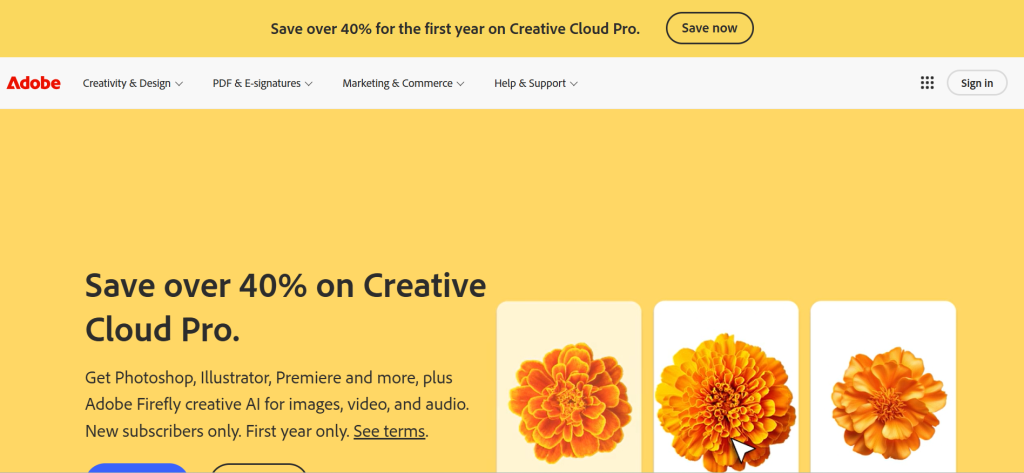
| Best For | Professional vector illustration and logo design |
| Pricing | $21/mo (single app) | $55/mo (Creative Cloud All Apps) |
| Free Plan | 7-day trial |
| Key Strength | Industry-standard vector editor with AI Firefly integration |
| AI Features | Firefly generative AI, text-to-vector, pattern generation |
| Platforms | Windows, Mac, iPad |
| Our Rating | 9.5/10 |
Adobe Illustrator remains the industry standard for professional vector graphic design software. The 2026 release brought refined Firefly AI integration for text-to-vector generation, improved gradient controls, better snapping, and enhanced artboard management. The pen tool, pathfinder operations, and typography controls set the benchmark that competitors measure against. For professional designers, agencies, and studios where industry-standard file compatibility is essential, Illustrator provides the most powerful vector design tools available in graphic design software.
Falls Short: Subscription-only pricing ($21/month). Steep learning curve for beginners. Heavy resource usage. Overkill for simple design tasks. iPad version is less capable than desktop. Verdict: Best graphic design software for professional vector illustrators, logo designers, and studios requiring industry-standard tools and file compatibility.
Adobe Photoshop
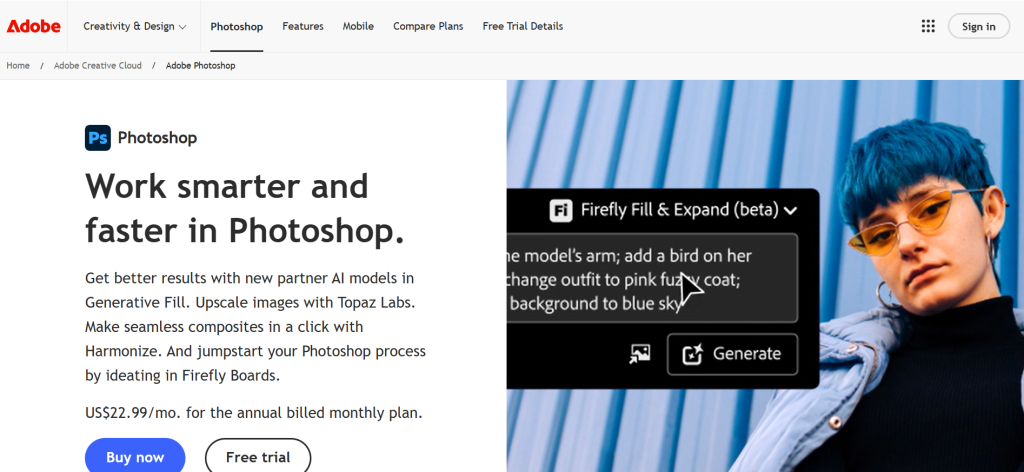
| Best For | Photo manipulation, compositing, and raster design |
| Pricing | $23/mo standalone | $10/mo Photography Plan (w/ Lightroom) |
| Free Plan | 7-day trial |
| Key Strength | Most powerful raster editing with Generative Fill AI |
| AI Features | Generative Fill, Neural Filters, AI-powered selection tools |
| Platforms | Windows, Mac, iPad |
| Our Rating | 9.4/10 |
Adobe Photoshop handles the raster side of graphic design — photo manipulation, compositing, digital painting, and texture creation. Generative Fill uses AI to create, extend, and replace image content from text prompts. Layer-based editing with masks, blend modes, and adjustment layers provides unlimited creative flexibility. For graphic designers who need powerful photo editing and image manipulation alongside their vector work, Photoshop remains the most capable raster graphic design tool available.
Falls Short: Subscription-only. Extremely complex for beginners. Overlaps with Illustrator for some tasks, requiring both subscriptions. Heavy system requirements. Not ideal for vector-only design work. Verdict: Best graphic design software for designers needing professional photo manipulation, compositing, and raster image creation alongside vector workflows.
Figma
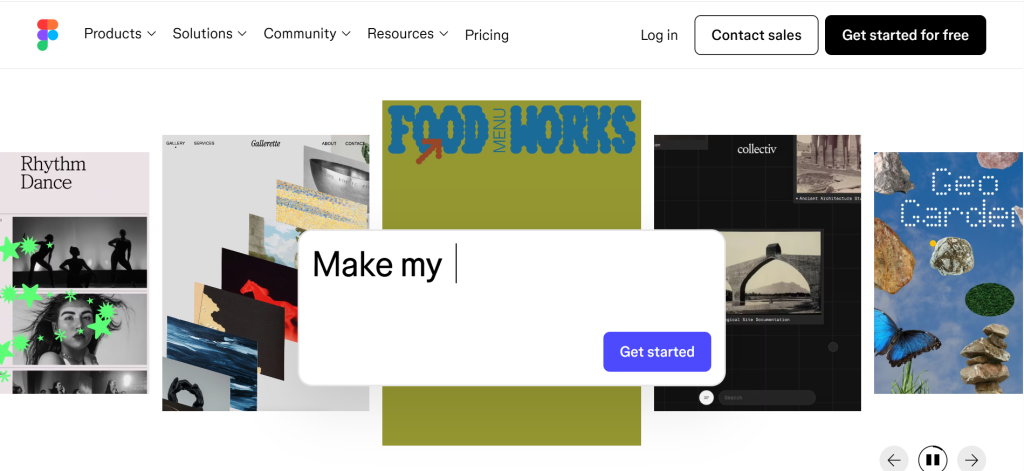
| Best For | Collaborative UI/UX and web design |
| Pricing | Free (3 projects) | Professional $15/editor/mo | Organization $45/editor/mo |
| Free Plan | Yes — 3 projects with full features |
| Key Strength | Best real-time collaboration in a browser-based design tool |
| AI Features | AI layout suggestions, auto-generation features |
| Platforms | Web browser, Mac, Windows (desktop app) |
| Our Rating | 9.3/10 |
Figma transformed graphic design collaboration by making professional design tools work entirely in a browser. Real-time multi-user editing lets teams design simultaneously. Dev Mode bridges design-to-development handoff. The plugin ecosystem adds 3D elements, animation, and extended functionality. Figma Sites publishes designs directly as websites. For UI/UX designers, product teams, and web-focused creatives who need collaborative graphic design software, Figma provides the most seamless team-based creative workflow.
Falls Short: Limited vector editing depth compared to Illustrator. No CMYK support for print. Not suited for detailed illustration work. Organization pricing ($45/editor/mo) is steep. Offline capabilities are limited. Verdict: Best graphic design software for teams doing UI/UX, web, and product design that need real-time browser-based collaboration.
Affinity Designer (by Canva)
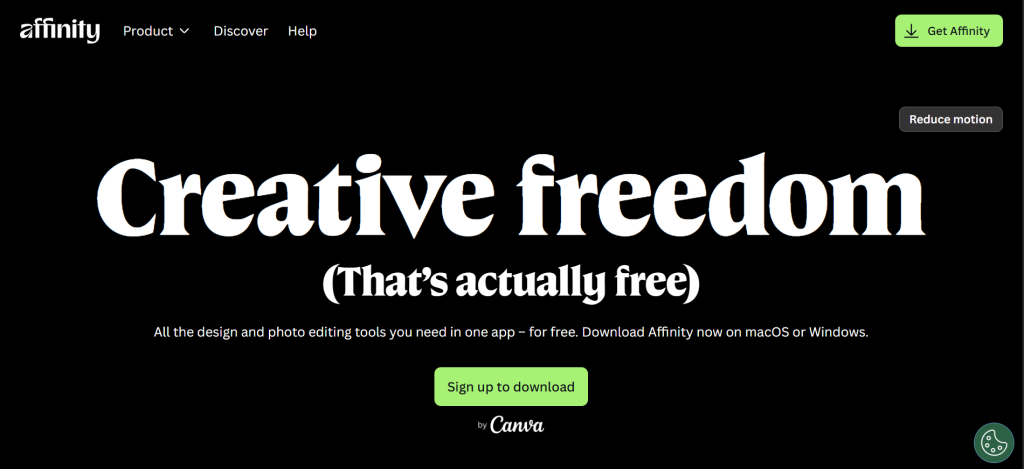
| Best For | Free professional vector design without subscriptions |
| Pricing | Free (Canva AI features require Canva subscription) |
| Free Plan | Yes — completely free |
| Key Strength | Professional vector tools comparable to Illustrator at zero cost |
| AI Features | Canva AI tools available with Canva subscription |
| Platforms | Windows, Mac, iPad |
| Our Rating | 9.2/10 |
Affinity Designer delivers professional-grade vector illustration, now completely free since Canva’s acquisition. The unified Affinity app combines vector design (Designer), photo editing (Photo), and page layout (Publisher) with seamless mode switching. Pen tool, node editing, gradient meshes, and boolean operations rival Illustrator’s toolset. PSD and AI file compatibility ensures collaboration with Adobe users. For graphic designers wanting professional vector design software without Adobe’s subscription cost, Affinity Designer is the most compelling free option in the industry.
Falls Short: Some AI features require Canva paid subscription. Smaller plugin ecosystem than Illustrator. Fewer community tutorials and resources. No real-time cloud collaboration like Figma. Less widely adopted in professional studios. Verdict: Best free graphic design software for professional designers wanting Illustrator-class vector tools without subscription fees.
Canva
| Best For | Non-designers creating visual content quickly |
| Pricing | Free | Pro $13/mo | Teams $10/user/mo |
| Free Plan | Yes — 100+ million assets, templates, basic editing |
| Key Strength | Fastest path from idea to finished design for non-designers |
| AI Features | Magic Studio: image generation, resizing, background removal, Magic Grab |
| Platforms | Web browser, Windows, Mac, iOS, Android |
| Our Rating | 9.0/10 |
Canva is the most accessible graphic design software for non-designers, with drag-and-drop simplicity and 250,000+ templates covering social media, presentations, marketing materials, and print products. Magic Studio adds AI-powered image generation, automatic resizing for multiple platforms, and one-click background removal. Brand Kit maintains visual consistency across designs. For small business owners, marketers, and content creators who need professional-looking graphic design output without design training, Canva delivers results in minutes.
Falls Short: Not a professional design tool — no layers, advanced vector editing, or CMYK export. Advanced AI features locked behind Pro subscription. Template-driven designs can look generic. Limited precision controls. Not suitable for complex illustration or print production. Verdict: Best graphic design software for non-designers and marketers creating templates-based visual content quickly.
CorelDRAW Graphics Suite
| Best For | Print production, sign making, and packaging design |
| Pricing | $37/mo subscription | $549 one-time purchase |
| Free Plan | No (15-day trial) |
| Key Strength | Best print-focused vector suite with one-time purchase option |
| AI Features | Bitmap-to-vector tracing, style transfer |
| Platforms | Windows, Mac, Web (CorelDRAW.app) |
| Our Rating | 8.8/10 |
CorelDRAW dominates print-focused graphic design software for sign making, large-format printing, apparel design, and packaging. Precise vector tools, advanced typography controls, and reliable color management handle production-quality output. The one-time purchase option ($549) appeals to designers avoiding subscriptions. CorelDRAW.app provides browser-based access for collaborative review. For print designers, manufacturers, and engravers who need production-grade graphic design software with flexible licensing, CorelDRAW provides specialized depth.
Falls Short: More expensive than Affinity (which is now free). Lacks cutting-edge AI generative features. Smaller ecosystem than Adobe. Web edition is limited compared to desktop. Interface can feel cluttered. Verdict: Best graphic design software for print production professionals, sign makers, and packaging designers who need specialized production tools.
Adobe InDesign
| Best For | Multi-page layout, editorial design, and publishing |
| Pricing | $21/mo (single app) | $55/mo (Creative Cloud) |
| Free Plan | 7-day trial |
| Key Strength | Industry standard for books, magazines, and print layouts |
| AI Features | AI text reflow, automated layout suggestions |
| Platforms | Windows, Mac |
| Our Rating | 8.7/10 |
Adobe InDesign is the undisputed standard for multi-page graphic design: books, magazines, brochures, catalogs, and editorial layouts. Master pages, paragraph styles, GREP styling, and data merge handle complex publishing workflows. Integration with Illustrator and Photoshop creates a seamless production pipeline. For publishers, editorial designers, and agencies producing multi-page print or digital publications, InDesign provides layout design capabilities that no competitor fully matches.
Falls Short: Subscription-only. Overkill for single-page designs. Steep learning curve. Requires Illustrator/Photoshop for full workflows. Not suitable for digital/web design. Verdict: Best graphic design software for editorial designers and publishers creating multi-page layouts for print and digital publication.
Sketch
| Best For | Mac-native UI/UX design with affordable pricing |
| Pricing | $10/editor/mo | $120/yr (single editor) |
| Free Plan | Free (limited features, view-only web access) |
| Key Strength | Lightweight Mac-native design tool with strong symbol system |
| AI Features | Smart layout suggestions |
| Platforms | Mac only (web for viewing/commenting) |
| Our Rating | 8.5/10 |
Sketch provides lightweight, Mac-native graphic design software focused on UI and UX workflows. The symbol system enables reusable components that update globally. Stacks and Frames offer smart layout controls. At $10/editor/month, it undercuts Figma’s Professional plan. For Mac-based design teams doing UI/UX work who want native performance and affordable graphic design tools, Sketch delivers focused design capabilities without the bloat of broader platforms.
Falls Short: Mac-only excludes Windows users. Smaller ecosystem than Figma. Browser-based collaboration is limited. No vector illustration depth. Losing market share to Figma. Verdict: Best graphic design software for Mac-based UI/UX designers wanting affordable, focused design tools.
Inkscape
| Best For | Free open-source vector editing on any platform |
| Pricing | Free (open source) |
| Free Plan | Yes — fully free and open source |
| Key Strength | Most capable free vector editor with SVG-native workflow |
| AI Features | None built-in |
| Platforms | Windows, Mac, Linux |
| Our Rating | 8.3/10 |
Inkscape is the most powerful free and open-source vector graphic design software. SVG-native format ensures web-compatible output. Path editing, boolean operations, text-on-path, and bitmap tracing handle professional vector tasks. Runs on every major platform including Linux. Version 1.4 improved usability and performance. For designers on tight budgets or Linux users who need capable vector graphic design tools, Inkscape provides serious illustration capabilities at zero cost.
Falls Short: Interface is dated and less intuitive than commercial tools. No CMYK support for professional print. Slower than Illustrator for complex files. No built-in AI features. Smaller community than Affinity. Verdict: Best free graphic design software for vector illustration, especially on Linux.
Procreate
| Best For | iPad digital illustration and painting |
| Pricing | $13 one-time (iPad App Store) |
| Free Plan | No |
| Key Strength | Best digital painting experience on iPad with Apple Pencil |
| AI Features | None (pledged to avoid generative AI) |
| Platforms | iPad only |
| Our Rating | 8.2/10 |
Procreate provides the best digital illustration experience on iPad with Apple Pencil. Over 200 customizable brushes, advanced layer support, and responsive canvas manipulation create a natural drawing feel. The $13 one-time purchase makes it the most affordable professional graphic design tool on this list. For illustrators, concept artists, and digital painters who create on iPad, Procreate’s hand-crafted brush engine and fluid performance deliver an unmatched creative illustration experience.
Falls Short: iPad-only — no desktop version. No vector editing. No collaborative features. No AI tools (intentional design choice). Limited export options. Not suitable for layout or UI design. Verdict: Best graphic design software for digital illustrators and artists creating hand-drawn artwork on iPad.
Krita
| Best For | Free digital painting and concept art |
| Pricing | Free (open source) |
| Free Plan | Yes — fully free and open source |
| Key Strength | Best free digital painting application with professional brush engine |
| AI Features | Community-developed AI extensions |
| Platforms | Windows, Mac, Linux |
| Our Rating | 8.0/10 |
Krita is purpose-built for digital painting, comics, and concept art. Over 100 professional brushes, brush stabilizers for smooth linework, wrap-around mode for seamless textures, and animation tools serve artist workflows specifically. The brush engine rivals Procreate’s quality. For digital artists and illustrators who create on desktop and want free graphic design software designed specifically for painting, Krita provides professional-quality artistic tools without cost.
Falls Short: Not suited for vector design or layout work. Interface can feel complex for beginners. Performance varies on lower-end hardware. Smaller community than Photoshop. Limited text and typography tools. Verdict: Best free graphic design software for digital painting, comic creation, and concept art on desktop.
Gravit Designer (Corel Vector)
| Best For | Browser-based vector design with cross-platform access |
| Pricing | Free | Pro $50/yr |
| Free Plan | Yes — basic vector editing in browser |
| Key Strength | Full vector editor running entirely in a web browser |
| AI Features | Auto-layout suggestions |
| Platforms | Web browser, Windows, Mac, Linux, ChromeOS |
| Our Rating | 7.7/10 |
Gravit Designer (now part of Corel as Corel Vector) provides a full vector design environment in any web browser with no installation. Path editing, boolean operations, blending, and export options handle real vector design work. Cross-platform access means you can design from any computer with a browser. For designers who need accessible, browser-based graphic design software for vector illustration without heavy software installs, Gravit provides genuine vector capabilities in the browser.
Falls Short: Less powerful than Illustrator or Affinity Designer. Pro features require subscription. Smaller community and fewer resources. Performance limitations in browser. Limited integration ecosystem. Verdict: Best browser-based graphic design software for vector illustration accessible from any device.
Recommended Picks by Design Discipline
| Discipline | Recommendation | Why |
| Vector illustration | Adobe Illustrator | Industry standard with AI Firefly |
| Free vector design | Affinity Designer | Illustrator-class power at zero cost |
| UI/UX & web design | Figma | Best browser-based team collaboration |
| Quick visual content | Canva | Templates for non-designers in minutes |
| Print production | CorelDRAW | Best print-focused production tools |
| Editorial / publishing | Adobe InDesign | Unmatched multi-page layout tools |
| Digital illustration (iPad) | Procreate | Best Apple Pencil painting experience |
| Digital painting (desktop) | Krita | Free professional-grade brush engine |
| Free vector (Linux) | Inkscape | Powerful open-source SVG editor |
| Mac UI/UX design | Sketch | Affordable native Mac design tool |
Decision Framework
• Professional vector/illustration work? Adobe Illustrator or Affinity Designer (free).
• UI/UX and web design? Figma for collaboration or Sketch for Mac.
• Non-designer needing quick designs? Canva.
• Print production and sign making? CorelDRAW.
• Digital painting on iPad? Procreate ($13). On desktop? Krita (free).
• On a tight budget? Affinity (free), Inkscape (free), or Krita (free).
Frequently Asked Questions
What is the best free graphic design software?
Affinity Designer (by Canva) is now the best free graphic design software, offering professional vector tools comparable to Illustrator. Inkscape provides free open-source vector editing on all platforms. Krita is the best free digital painting tool. Canva offers free template-based design. Figma provides 3 free projects for UI/UX design. For most designers, Affinity’s free release eliminates the need to pay for professional graphic design software.
Is Adobe Creative Cloud still worth the subscription?
For professionals whose workflow depends on Illustrator, Photoshop, and InDesign integration — and who need industry-standard file compatibility and AI features like Firefly — yes. The $55/month All Apps plan provides the most comprehensive graphic design toolkit. However, with Affinity free, Figma affordable, and Canva handling quick design tasks, non-professionals have viable alternatives to Adobe’s subscription-based graphic design software.
What graphic design software is best for beginners?
Canva for quick, template-based designs without a learning curve. Figma for aspiring UI/UX designers with a gentle introduction to professional tools. Affinity Designer for beginners willing to learn professional graphic design software (free, so no financial risk). Procreate ($13) for aspiring digital illustrators on iPad. Start with the tool that matches your design goals rather than the most powerful option.
What is the difference between vector and raster graphic design software?
Vector software (Illustrator, Affinity Designer, CorelDRAW, Inkscape) creates designs from mathematical paths that scale infinitely without quality loss — ideal for logos, icons, and print. Raster software (Photoshop, GIMP, Krita) works with pixels — ideal for photos, painting, and texture work. Most graphic design workflows use both types, which is why suites like Adobe Creative Cloud and Affinity bundle vector and raster tools together.
Can I do professional graphic design work with free software?
Yes. Affinity Designer provides Illustrator-level vector tools for free. GIMP and Krita handle raster work. Inkscape offers SVG vector editing. Combined, these free graphic design tools cover professional workflows. The main trade-offs are smaller communities, fewer tutorials, and less industry-standard file compatibility compared to Adobe — but the design capabilities themselves are genuinely professional.


![Marketing Automation Case Study: 12 Real Examples, Strategy & ROI Results [2026]](https://marketingcasestudy.io/wp-content/uploads/2026/05/marketing-automation-case-study-featured-300x158.png)
